McDewey
/mcpPage 124
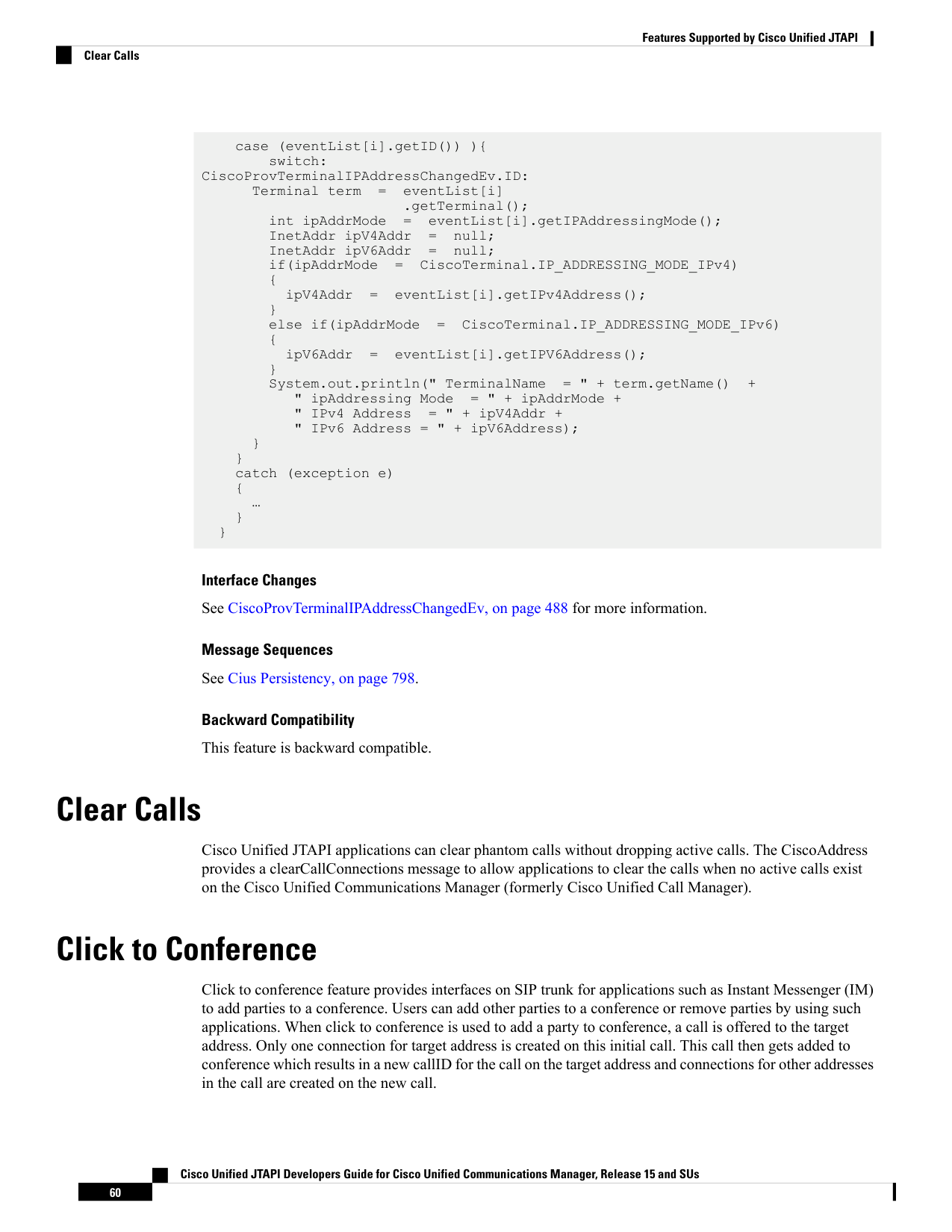
↗ View in doc contextcase (eventList[i].getID()) ){ switch: CiscoProvTerminalIPAddressChangedEv.ID: Terminal term
eventList[i] .getTerminal(); int ipAddrMode
eventList[i].getIPAddressingMode(); InetAddr ipV4Addr
null; InetAddr ipV6Addr
null; if(ipAddrMode
CiscoTerminal.IP_ADDRESSING_MODE_IPv4) { ipV4Addr
eventList[i].getIPv4Address(); } else if(ipAddrMode
CiscoTerminal.IP_ADDRESSING_MODE_IPv6) { ipV6Addr
eventList[i].getIPV6Address(); } System.out.println(" TerminalName = " + term.getName() + " ipAddressing Mode = " + ipAddrMode + " IPv4 Address = " + ipV4Addr + " IPv6 Address = " + ipV6Address); } } catch (exception e) { … } } Interface Changes See CiscoProvTerminalIPAddressChangedEv, on page 488 for more information. Message Sequences See Cius Persistency, on page 798. Backward Compatibility This feature is backward compatible. Clear Calls Cisco Unified JTAPI applications can clear phantom calls without dropping active calls. The CiscoAddress provides a clearCallConnections message to allow applications to clear the calls when no active calls exist on the Cisco Unified Communications Manager (formerly Cisco Unified Call Manager). Click to Conference Click to conference feature provides interfaces on SIP trunk for applications such as Instant Messenger (IM) to add parties to a conference. Users can add other parties to a conference or remove parties by using such applications. When click to conference is used to add a party to conference, a call is offered to the target address. Only one connection for target address is created on this initial call. This call then gets added to conference which results in a new callID for the call on the target address and connections for other addresses in the call are created on the new call. Cisco Unified JTAPI Developers Guide for Cisco Unified Communications Manager, Release 15 and SUs 60 Features Supported by Cisco Unified JTAPI Clear Calls