McDewey
Multi-vendor documentation library · semantic search · MCP endpoint at
/mcpPage 823
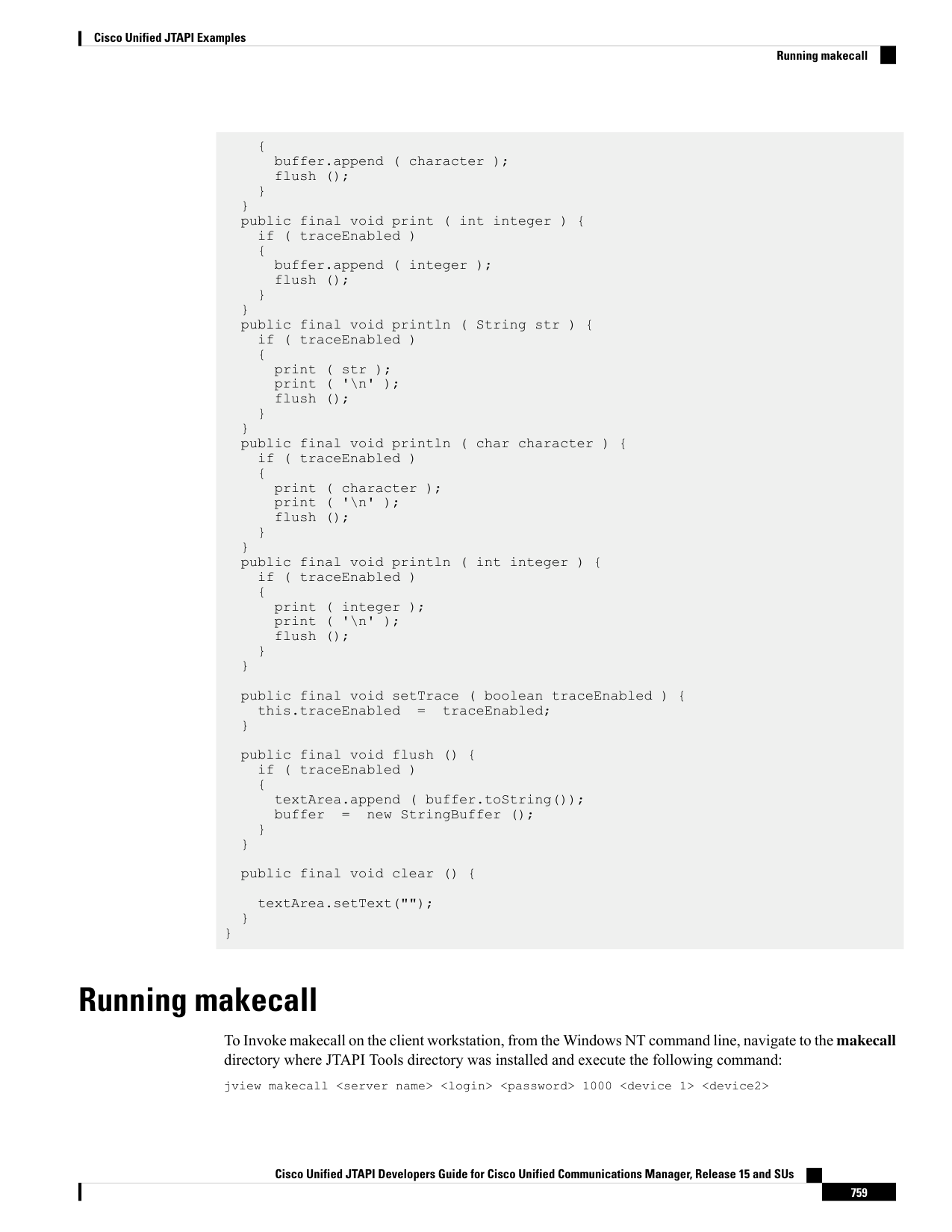
↗ View in doc context{ buffer.append ( character ); flush (); } } public final void print ( int integer ) { if ( traceEnabled ) { buffer.append ( integer ); flush (); } } public final void println ( String str ) { if ( traceEnabled ) { print ( str ); print ( '\n' ); flush (); } } public final void println ( char character ) { if ( traceEnabled ) { print ( character ); print ( '\n' ); flush (); } } public final void println ( int integer ) { if ( traceEnabled ) { print ( integer ); print ( '\n' ); flush (); } } public final void setTrace ( boolean traceEnabled ) { this.traceEnabled
traceEnabled; } public final void flush () { if ( traceEnabled ) { textArea.append ( buffer.toString()); buffer
new StringBuffer (); } } public final void clear () { textArea.setText(""); } } Running makecall To Invoke makecall on the client workstation, from the Windows NT command line, navigate to the makecall directory where JTAPI Tools directory was installed and execute the following command: jview makecall <server name> <login> <password> 1000 <device 1> <device2> Cisco Unified JTAPI Developers Guide for Cisco Unified Communications Manager, Release 15 and SUs 759 Cisco Unified JTAPI Examples Running makecall