McDewey
/mcpPage 4
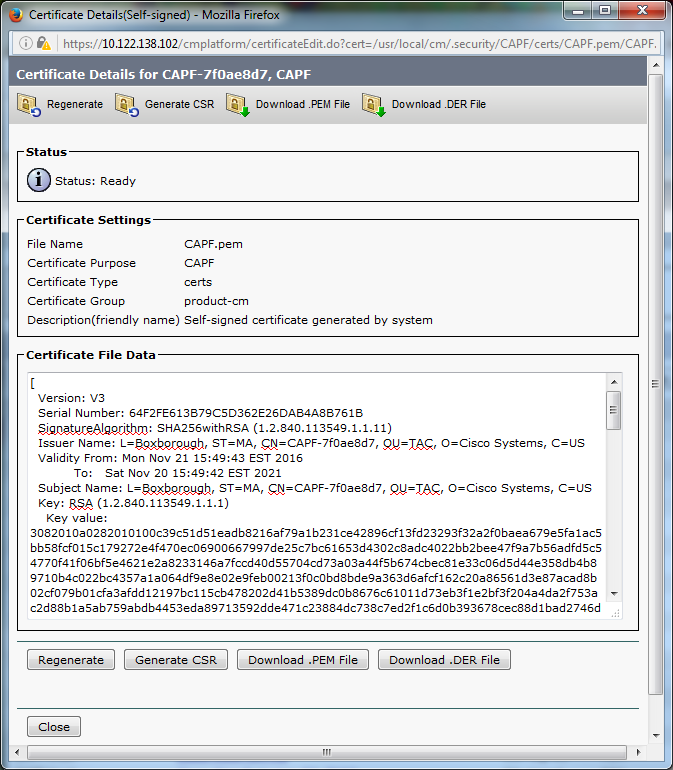
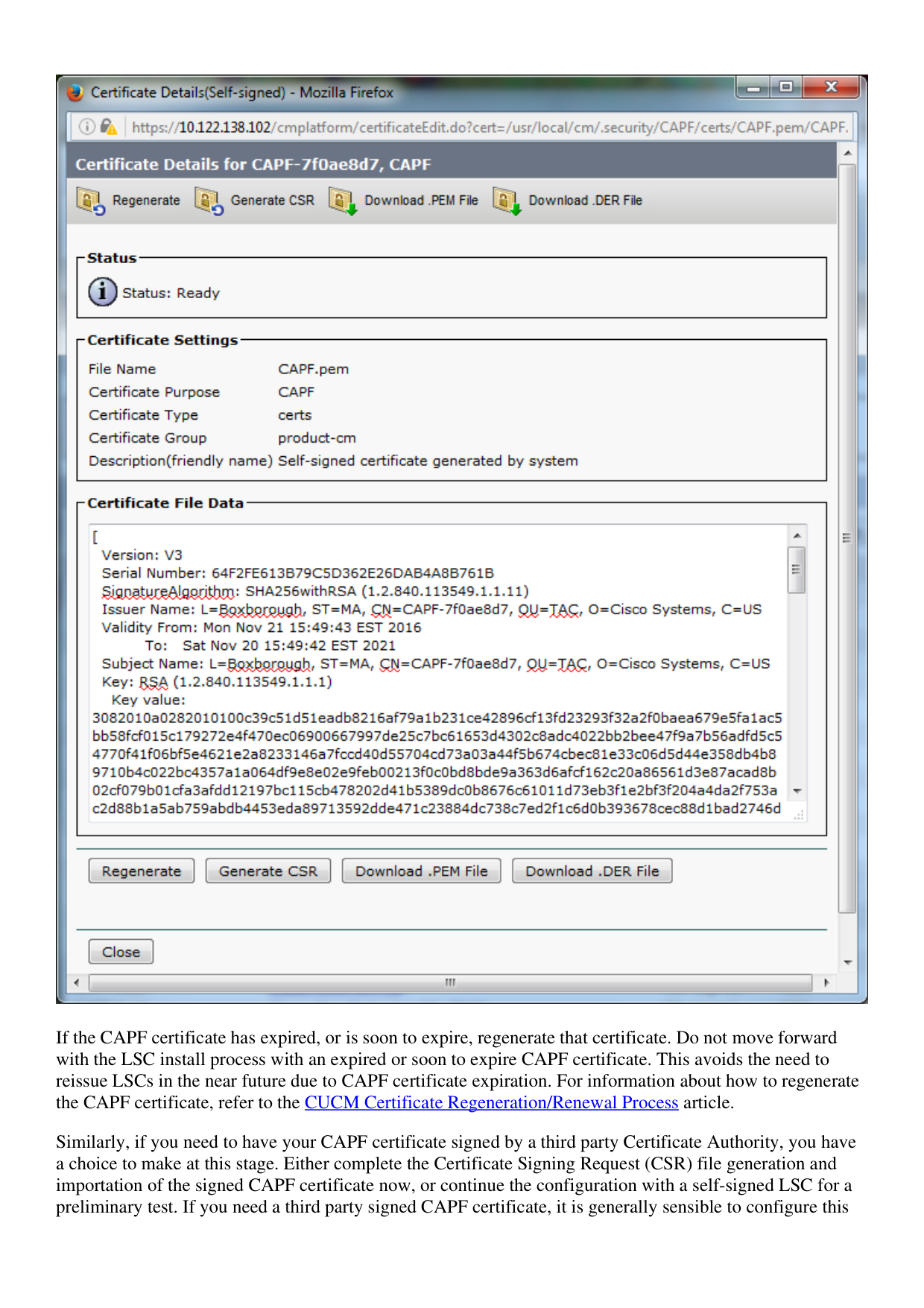
↗ View in doc contextIf the CAPF certificate has expired, or is soon to expire, regenerate that certificate. Do not move forward with the LSC install process with an expired or soon to expire CAPF certificate. This avoids the need to reissue LSCs in the near future due to CAPF certificate expiration. For information about how to regenerate the CAPF certificate, refer to the CUCM Certificate Regeneration/Renewal Process article. Similarly, if you need to have your CAPF certificate signed by a third party Certificate Authority, you have a choice to make at this stage. Either complete the Certificate Signing Request (CSR) file generation and importation of the signed CAPF certificate now, or continue the configuration with a self-signed LSC for a preliminary test. If you need a third party signed CAPF certificate, it is generally sensible to configure this