McDewey
Multi-vendor documentation library · semantic search · MCP endpoint at
/mcpPage 4
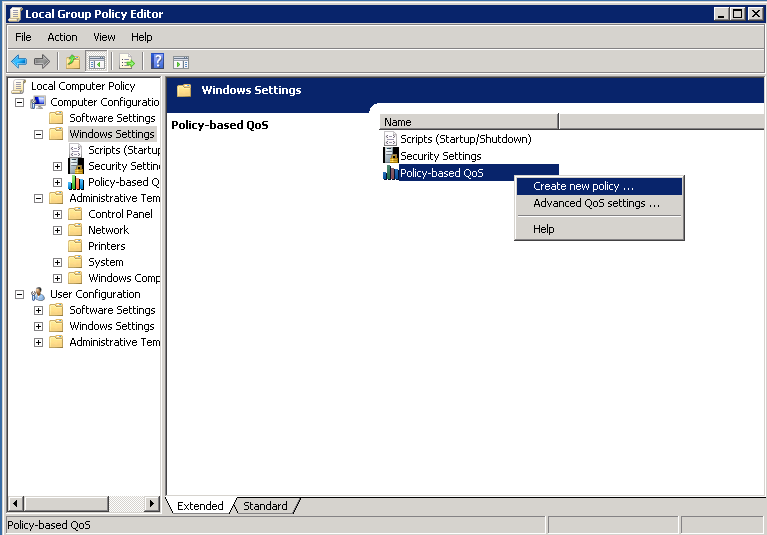
↗ View in doc contextStep 3. In the Policy-based QoS configuration pop-up provide the desired Policy name. Then choose the desired value in the Specify DSCP Value. This is the value with which you would like to mark the packets sent from the server. Once this values has been defined select the Next button.