McDewey
Multi-vendor documentation library · semantic search · MCP endpoint at
/mcpPage 8
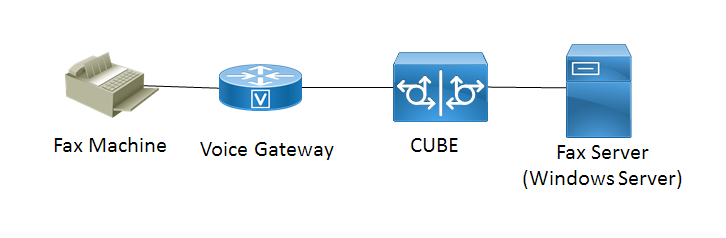
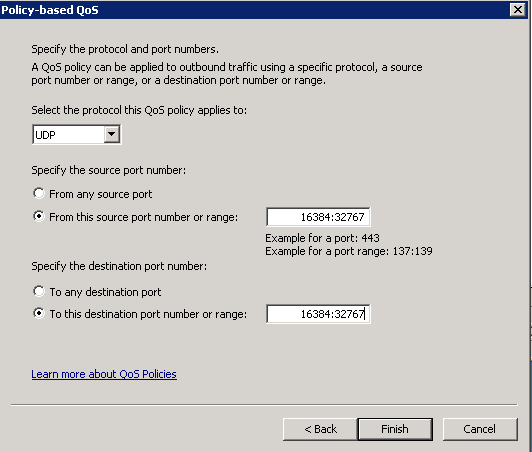
↗ View in doc contextNetwork Diagram Verify Use this section to confirm that your configuration works properly. Install Wireshark on the Windows Server where the QoS policy configuration was applied. Once it is installed start a packet capture and send a test fax. After the test fax has completed save the packet capture.