McDewey
Multi-vendor documentation library · semantic search · MCP endpoint at
/mcpPage 2
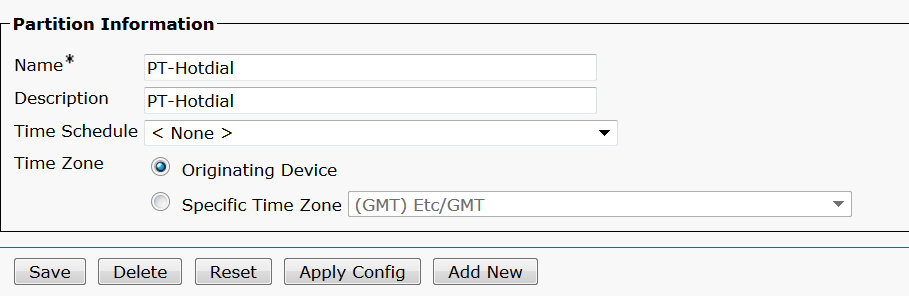
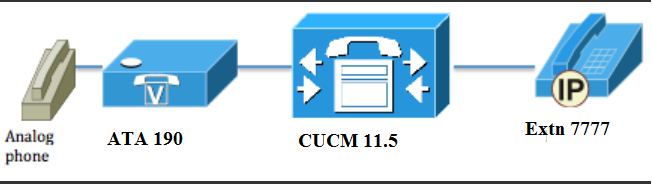
↗ View in doc contextdevices that turn traditional telephone and fax communications devices into IP devices. The adaptors are managed from your network and addresses the need of users that connect to enterprise networks, small offices, or voice-over-IP (VoIP) services from the cloud. ATA 190 is a Session Initiation Protocol (SIP) device. PLAR is common feature for ATA devices. PLAR is a feature which sends a call to one preconfigured extension once off-hook, known as hot- dial configuration. Configure Network Diagram Configurations Step 1. Enter the value PT-Hotdial in order to create a new partition. Step 2. Enter the new Calling Search Space (CSS) value CSS-Hotdial and add Partition PT- Hotdial in CSS-Hotdial, as shown in the image: