McDewey
/mcpPage 112
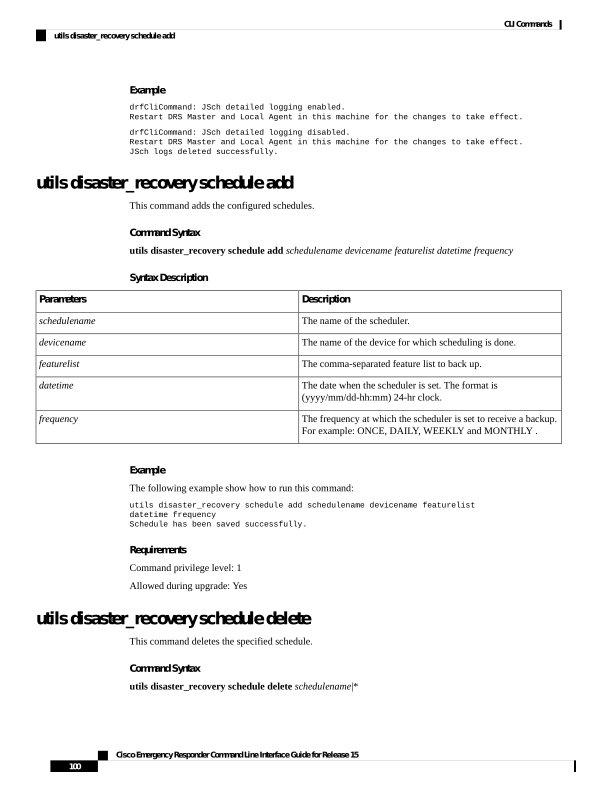
↗ View in doc contextExample drfCliCommand: JSch detailed logging enabled. Restart DRS Master and Local Agent in this machine for the changes to take effect. drfCliCommand: JSch detailed logging disabled. Restart DRS Master and Local Agent in this machine for the changes to take effect. JSch logs deleted successfully. utils disaster_recovery schedule add This command adds the configured schedules. Command Syntax utils disaster_recovery schedule add schedulename devicename featurelist datetime frequency Syntax Description Description Parameters The name of the scheduler. schedulename The name of the device for which scheduling is done. devicename The comma-separated feature list to back up. featurelist The date when the scheduler is set. The format is (yyyy/mm/dd-hh:mm) 24-hr clock. datetime The frequency at which the scheduler is set to receive a backup. For example: ONCE, DAILY, WEEKLY and MONTHLY . frequency Example The following example show how to run this command: utils disaster_recovery schedule add schedulename devicename featurelist datetime frequency Schedule has been saved successfully. Requirements Command privilege level: 1 Allowed during upgrade: Yes utils disaster_recovery schedule delete This command deletes the specified schedule. Command Syntax utils disaster_recovery schedule delete schedulename|* Cisco Emergency Responder Command Line Interface Guide for Release 15 100 CLI Commands utils disaster_recovery schedule add