McDewey
/mcpPage 121
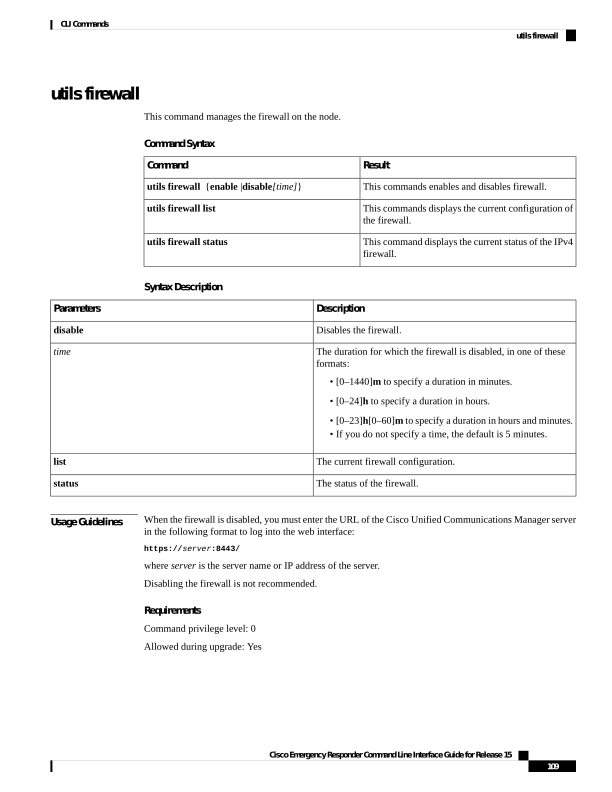
↗ View in doc contextutils firewall This command manages the firewall on the node. Command Syntax Result Command This commands enables and disables firewall. utils firewall {enable |disable[time]} This commands displays the current configuration of the firewall. utils firewall list This command displays the current status of the IPv4 firewall. utils firewall status Syntax Description Description Parameters Disables the firewall. disable The duration for which the firewall is disabled, in one of these formats: • [0–1440]m to specify a duration in minutes. • [0–24]h to specify a duration in hours. • [0–23]h[0–60]m to specify a duration in hours and minutes. • If you do not specify a time, the default is 5 minutes. time The current firewall configuration. list The status of the firewall. status Usage Guidelines When the firewall is disabled, you must enter the URL of the Cisco Unified Communications Manager server in the following format to log into the web interface: https://server:8443/ where server is the server name or IP address of the server. Disabling the firewall is not recommended. Requirements Command privilege level: 0 Allowed during upgrade: Yes Cisco Emergency Responder Command Line Interface Guide for Release 15 109 CLI Commands utils firewall