McDewey
/mcpPage 23
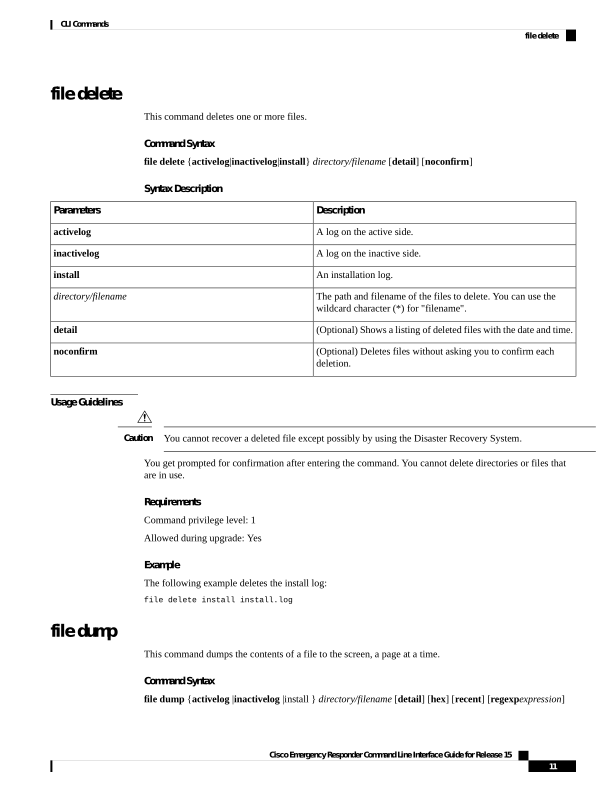
↗ View in doc contextfile delete This command deletes one or more files. Command Syntax file delete {activelog|inactivelog|install} directory/filename [detail] [noconfirm] Syntax Description Description Parameters A log on the active side. activelog A log on the inactive side. inactivelog An installation log. install The path and filename of the files to delete. You can use the wildcard character (*) for "filename". directory/filename (Optional) Shows a listing of deleted files with the date and time. detail (Optional) Deletes files without asking you to confirm each deletion. noconfirm Usage Guidelines You cannot recover a deleted file except possibly by using the Disaster Recovery System. Caution You get prompted for confirmation after entering the command. You cannot delete directories or files that are in use. Requirements Command privilege level: 1 Allowed during upgrade: Yes Example The following example deletes the install log: file delete install install.log file dump This command dumps the contents of a file to the screen, a page at a time. Command Syntax file dump {activelog |inactivelog |install } directory/filename [detail] [hex] [recent] [regexpexpression] Cisco Emergency Responder Command Line Interface Guide for Release 15 11 CLI Commands file delete