McDewey
/mcpPage 124
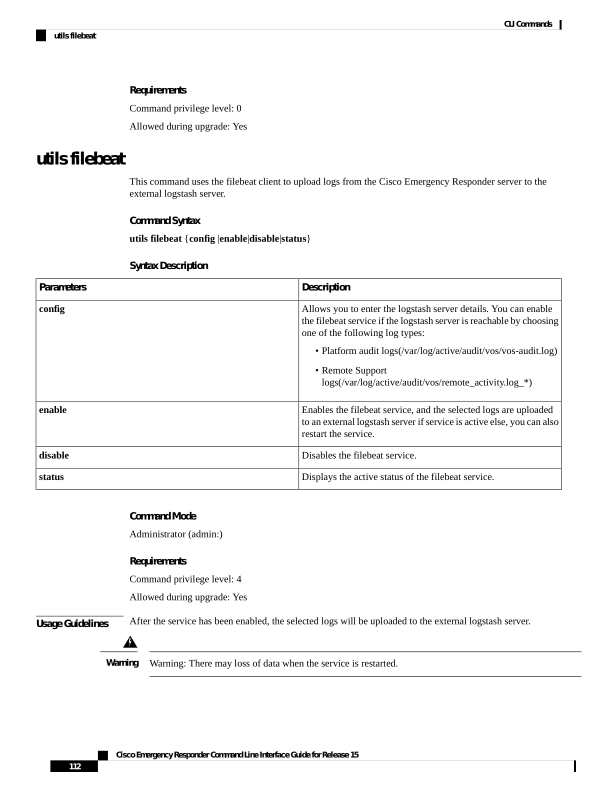
↗ View in doc contextRequirements Command privilege level: 0 Allowed during upgrade: Yes utils filebeat This command uses the filebeat client to upload logs from the Cisco Emergency Responder server to the external logstash server. Command Syntax utils filebeat {config |enable|disable|status} Syntax Description Description Parameters Allows you to enter the logstash server details. You can enable the filebeat service if the logstash server is reachable by choosing one of the following log types: • Platform audit logs(/var/log/active/audit/vos/vos-audit.log) • Remote Support logs(/var/log/active/audit/vos/remote_activity.log_*) config Enables the filebeat service, and the selected logs are uploaded to an external logstash server if service is active else, you can also restart the service. enable Disables the filebeat service. disable Displays the active status of the filebeat service. status Command Mode Administrator (admin:) Requirements Command privilege level: 4 Allowed during upgrade: Yes Usage Guidelines After the service has been enabled, the selected logs will be uploaded to the external logstash server. Warning: There may loss of data when the service is restarted. Warning Cisco Emergency Responder Command Line Interface Guide for Release 15 112 CLI Commands utils filebeat