McDewey
/mcpPage 146
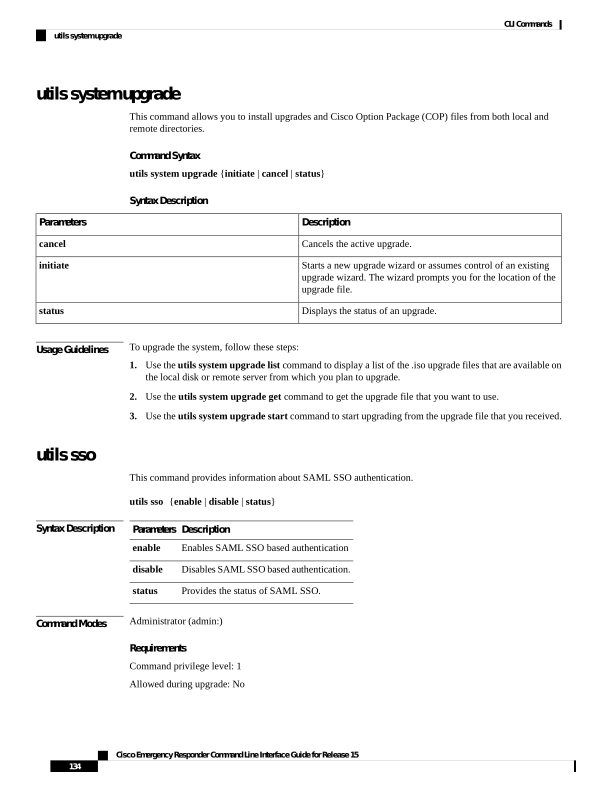
↗ View in doc contextutils system upgrade This command allows you to install upgrades and Cisco Option Package (COP) files from both local and remote directories. Command Syntax utils system upgrade {initiate | cancel | status} Syntax Description Description Parameters Cancels the active upgrade. cancel Starts a new upgrade wizard or assumes control of an existing upgrade wizard. The wizard prompts you for the location of the upgrade file. initiate Displays the status of an upgrade. status Usage Guidelines To upgrade the system, follow these steps: 1. Use the utils system upgrade list command to display a list of the .iso upgrade files that are available on the local disk or remote server from which you plan to upgrade. 2. Use the utils system upgrade get command to get the upgrade file that you want to use. 3. Use the utils system upgrade start command to start upgrading from the upgrade file that you received. utils sso This command provides information about SAML SSO authentication. utils sso {enable | disable | status} Syntax Description Description Parameters Enables SAML SSO based authentication enable Disables SAML SSO based authentication. disable Provides the status of SAML SSO. status Command Modes Administrator (admin:) Requirements Command privilege level: 1 Allowed during upgrade: No Cisco Emergency Responder Command Line Interface Guide for Release 15 134 CLI Commands utils system upgrade