McDewey
/mcpPage 35
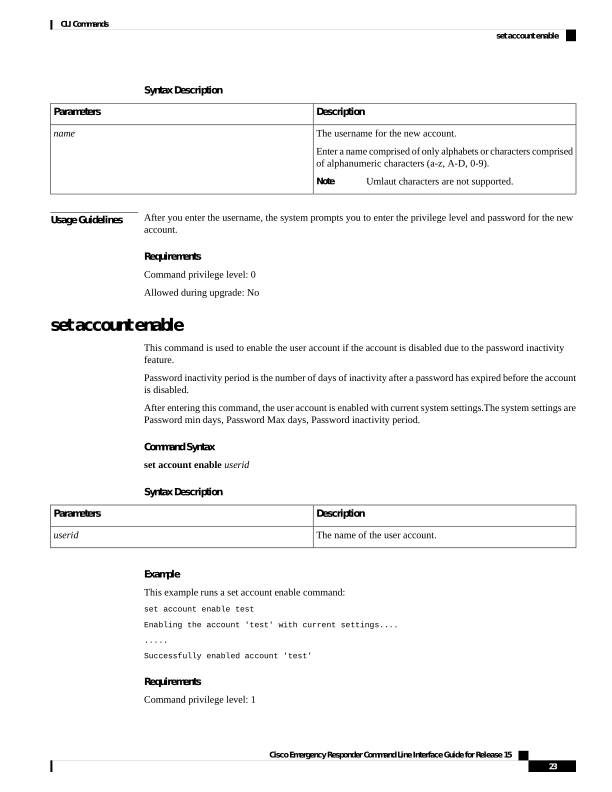
↗ View in doc contextSyntax Description Description Parameters The username for the new account. Enter a name comprised of only alphabets or characters comprised of alphanumeric characters (a-z, A-D, 0-9). Umlaut characters are not supported. Note name Usage Guidelines After you enter the username, the system prompts you to enter the privilege level and password for the new account. Requirements Command privilege level: 0 Allowed during upgrade: No set account enable This command is used to enable the user account if the account is disabled due to the password inactivity feature. Password inactivity period is the number of days of inactivity after a password has expired before the account is disabled. After entering this command, the user account is enabled with current system settings.The system settings are Password min days, Password Max days, Password inactivity period. Command Syntax set account enable userid Syntax Description Description Parameters The name of the user account. userid Example This example runs a set account enable command: set account enable test Enabling the account 'test' with current settings.... ..... Successfully enabled account 'test' Requirements Command privilege level: 1 Cisco Emergency Responder Command Line Interface Guide for Release 15 23 CLI Commands set account enable