McDewey
/mcpPage 46
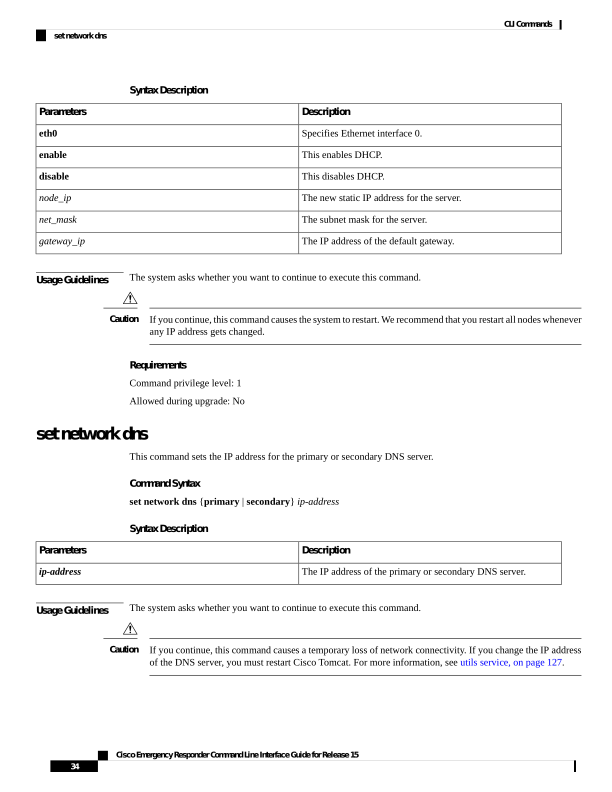
↗ View in doc contextSyntax Description Description Parameters Specifies Ethernet interface 0. eth0 This enables DHCP. enable This disables DHCP. disable The new static IP address for the server. node_ip The subnet mask for the server. net_mask The IP address of the default gateway. gateway_ip Usage Guidelines The system asks whether you want to continue to execute this command. If you continue, this command causes the system to restart. We recommend that you restart all nodes whenever any IP address gets changed. Caution Requirements Command privilege level: 1 Allowed during upgrade: No set network dns This command sets the IP address for the primary or secondary DNS server. Command Syntax set network dns {primary | secondary} ip-address Syntax Description Description Parameters The IP address of the primary or secondary DNS server. ip-address Usage Guidelines The system asks whether you want to continue to execute this command. If you continue, this command causes a temporary loss of network connectivity. If you change the IP address of the DNS server, you must restart Cisco Tomcat. For more information, see utils service, on page 127. Caution Cisco Emergency Responder Command Line Interface Guide for Release 15 34 CLI Commands set network dns