McDewey
/mcpPage 63
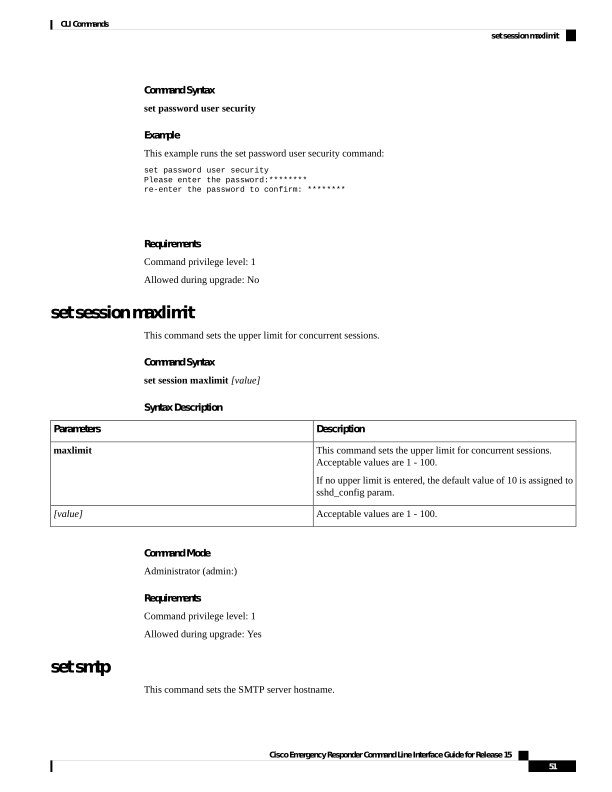
↗ View in doc contextCommand Syntax set password user security Example This example runs the set password user security command: set password user security Please enter the password:******** re-enter the password to confirm: ******** Requirements Command privilege level: 1 Allowed during upgrade: No set session maxlimit This command sets the upper limit for concurrent sessions. Command Syntax set session maxlimit [value] Syntax Description Description Parameters This command sets the upper limit for concurrent sessions. Acceptable values are 1 - 100. If no upper limit is entered, the default value of 10 is assigned to sshd_config param. maxlimit Acceptable values are 1 - 100. [value] Command Mode Administrator (admin:) Requirements Command privilege level: 1 Allowed during upgrade: Yes set smtp This command sets the SMTP server hostname. Cisco Emergency Responder Command Line Interface Guide for Release 15 51 CLI Commands set session maxlimit