McDewey
/mcpPage 70
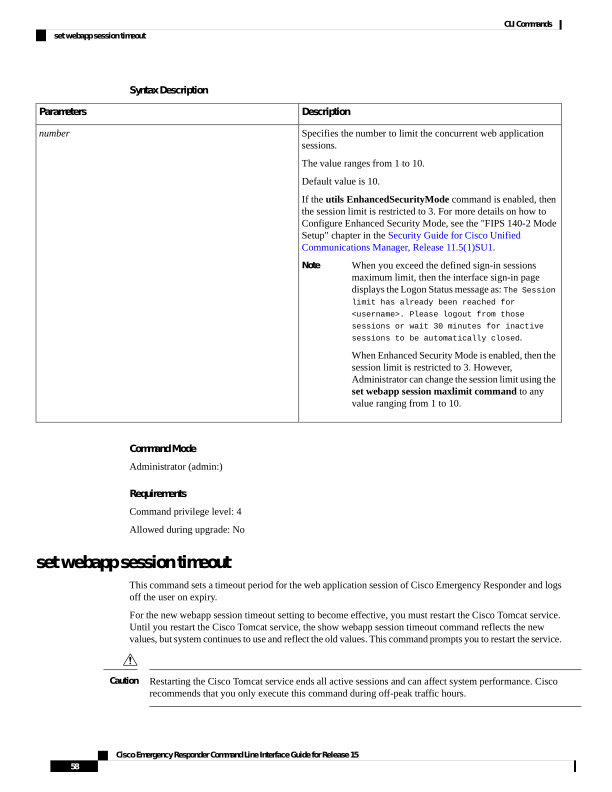
↗ View in doc contextSyntax Description Description Parameters Specifies the number to limit the concurrent web application sessions. The value ranges from 1 to 10. Default value is 10. If the utils EnhancedSecurityMode command is enabled, then the session limit is restricted to 3. For more details on how to Configure Enhanced Security Mode, see the "FIPS 140-2 Mode Setup" chapter in the Security Guide for Cisco Unified Communications Manager, Release 11.5(1)SU1. When you exceed the defined sign-in sessions maximum limit, then the interface sign-in page displays the Logon Status message as: The Session limit has already been reached for <username>. Please logout from those sessions or wait 30 minutes for inactive sessions to be automatically closed. When Enhanced Security Mode is enabled, then the session limit is restricted to 3. However, Administrator can change the session limit using the set webapp session maxlimit command to any value ranging from 1 to 10. Note number Command Mode Administrator (admin:) Requirements Command privilege level: 4 Allowed during upgrade: No set webapp session timeout This command sets a timeout period for the web application session of Cisco Emergency Responder and logs off the user on expiry. For the new webapp session timeout setting to become effective, you must restart the Cisco Tomcat service. Until you restart the Cisco Tomcat service, the show webapp session timeout command reflects the new values, but system continues to use and reflect the old values. This command prompts you to restart the service. Restarting the Cisco Tomcat service ends all active sessions and can affect system performance. Cisco recommends that you only execute this command during off-peak traffic hours. Caution Cisco Emergency Responder Command Line Interface Guide for Release 15 58 CLI Commands set webapp session timeout