McDewey
/mcpPage 75
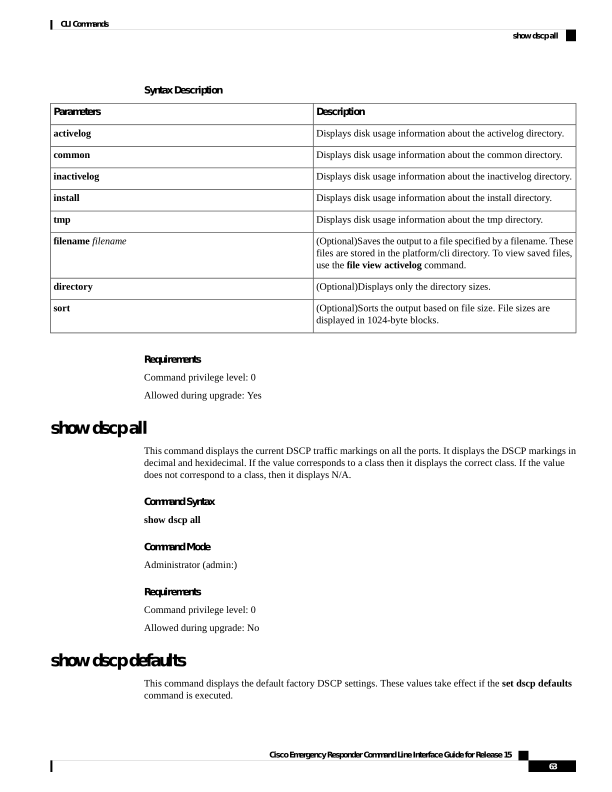
↗ View in doc contextSyntax Description Description Parameters Displays disk usage information about the activelog directory. activelog Displays disk usage information about the common directory. common Displays disk usage information about the inactivelog directory. inactivelog Displays disk usage information about the install directory. install Displays disk usage information about the tmp directory. tmp (Optional)Saves the output to a file specified by a filename. These files are stored in the platform/cli directory. To view saved files, use the file view activelog command. filename filename (Optional)Displays only the directory sizes. directory (Optional)Sorts the output based on file size. File sizes are displayed in 1024-byte blocks. sort Requirements Command privilege level: 0 Allowed during upgrade: Yes show dscp all This command displays the current DSCP traffic markings on all the ports. It displays the DSCP markings in decimal and hexidecimal. If the value corresponds to a class then it displays the correct class. If the value does not correspond to a class, then it displays N/A. Command Syntax show dscp all Command Mode Administrator (admin:) Requirements Command privilege level: 0 Allowed during upgrade: No show dscp defaults This command displays the default factory DSCP settings. These values take effect if the set dscp defaults command is executed. Cisco Emergency Responder Command Line Interface Guide for Release 15 63 CLI Commands show dscp all