McDewey
/mcpPage 77
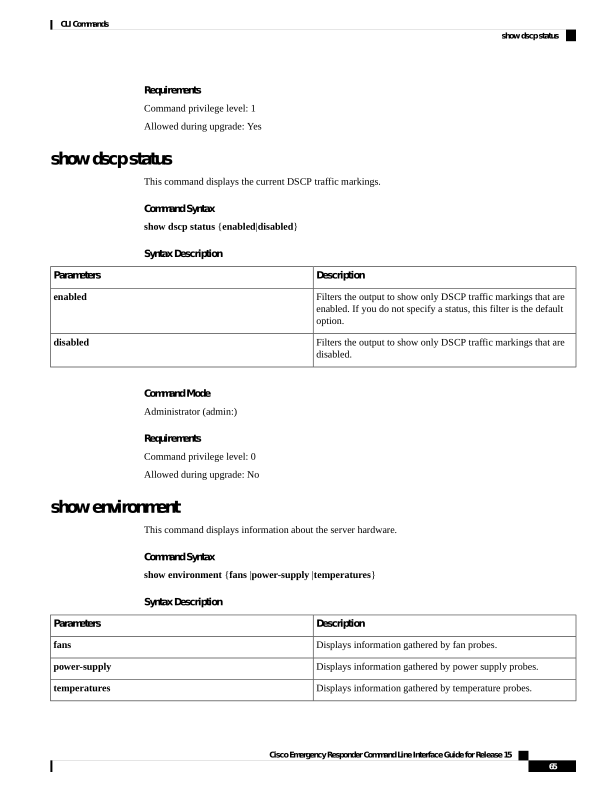
↗ View in doc contextRequirements Command privilege level: 1 Allowed during upgrade: Yes show dscp status This command displays the current DSCP traffic markings. Command Syntax show dscp status {enabled|disabled} Syntax Description Description Parameters Filters the output to show only DSCP traffic markings that are enabled. If you do not specify a status, this filter is the default option. enabled Filters the output to show only DSCP traffic markings that are disabled. disabled Command Mode Administrator (admin:) Requirements Command privilege level: 0 Allowed during upgrade: No show environment This command displays information about the server hardware. Command Syntax show environment {fans |power-supply |temperatures} Syntax Description Description Parameters Displays information gathered by fan probes. fans Displays information gathered by power supply probes. power-supply Displays information gathered by temperature probes. temperatures Cisco Emergency Responder Command Line Interface Guide for Release 15 65 CLI Commands show dscp status