McDewey
/mcpPage 86
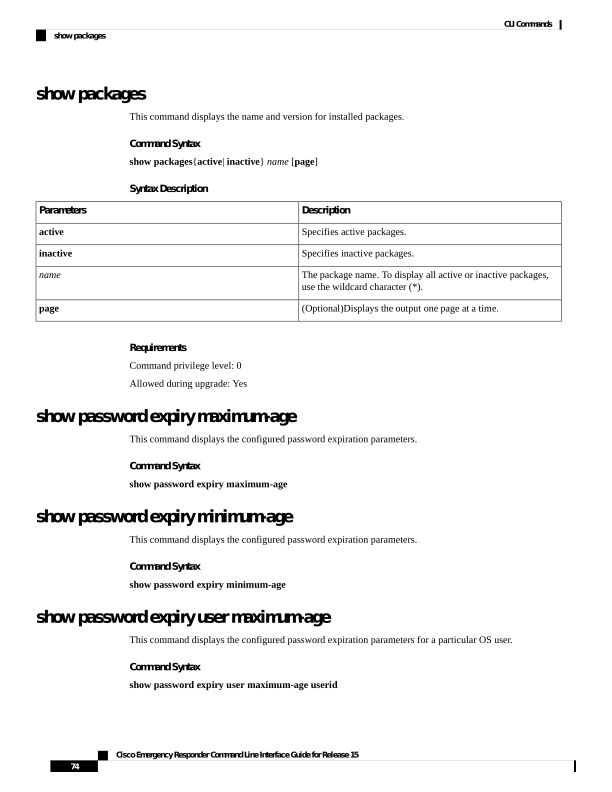
↗ View in doc contextshow packages This command displays the name and version for installed packages. Command Syntax show packages{active| inactive} name [page] Syntax Description Description Parameters Specifies active packages. active Specifies inactive packages. inactive The package name. To display all active or inactive packages, use the wildcard character (*). name (Optional)Displays the output one page at a time. page Requirements Command privilege level: 0 Allowed during upgrade: Yes show password expiry maximum-age This command displays the configured password expiration parameters. Command Syntax show password expiry maximum-age show password expiry minimum-age This command displays the configured password expiration parameters. Command Syntax show password expiry minimum-age show password expiry user maximum-age This command displays the configured password expiration parameters for a particular OS user. Command Syntax show password expiry user maximum-age userid Cisco Emergency Responder Command Line Interface Guide for Release 15 74 CLI Commands show packages