McDewey
/mcpPage 94
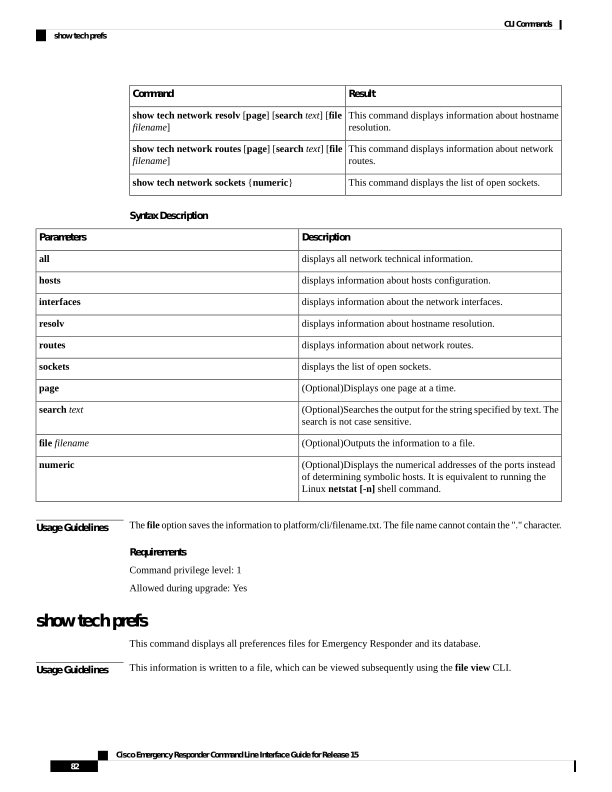
↗ View in doc contextResult Command This command displays information about hostname resolution. show tech network resolv [page] [search text] [file filename] This command displays information about network routes. show tech network routes [page] [search text] [file filename] This command displays the list of open sockets. show tech network sockets {numeric} Syntax Description Description Parameters displays all network technical information. all displays information about hosts configuration. hosts displays information about the network interfaces. interfaces displays information about hostname resolution. resolv displays information about network routes. routes displays the list of open sockets. sockets (Optional)Displays one page at a time. page (Optional)Searches the output for the string specified by text. The search is not case sensitive. search text (Optional)Outputs the information to a file. file filename (Optional)Displays the numerical addresses of the ports instead of determining symbolic hosts. It is equivalent to running the Linux netstat [-n] shell command. numeric Usage Guidelines The file option saves the information to platform/cli/filename.txt. The file name cannot contain the "." character. Requirements Command privilege level: 1 Allowed during upgrade: Yes show tech prefs This command displays all preferences files for Emergency Responder and its database. Usage Guidelines This information is written to a file, which can be viewed subsequently using the file view CLI. Cisco Emergency Responder Command Line Interface Guide for Release 15 82 CLI Commands show tech prefs