McDewey
/mcpPage 133
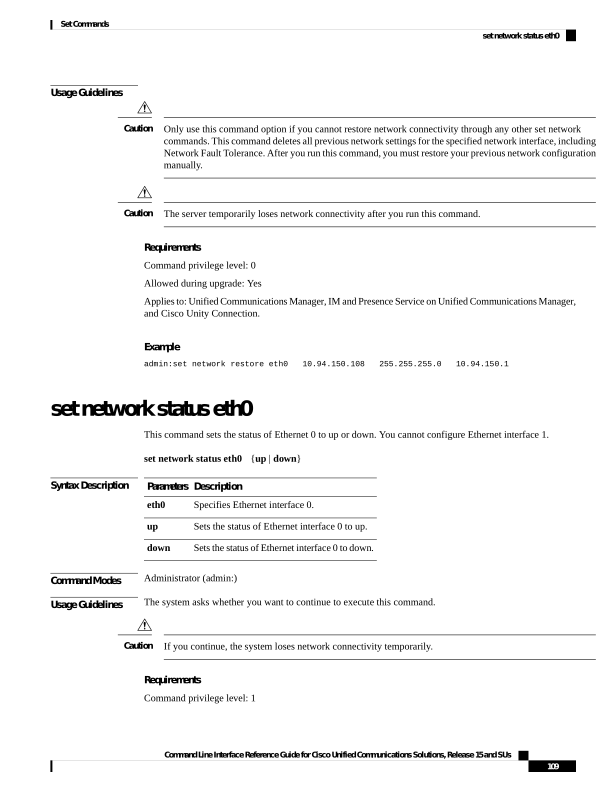
↗ View in doc contextUsage Guidelines Only use this command option if you cannot restore network connectivity through any other set network commands. This command deletes all previous network settings for the specified network interface, including Network Fault Tolerance. After you run this command, you must restore your previous network configuration manually. Caution The server temporarily loses network connectivity after you run this command. Caution Requirements Command privilege level: 0 Allowed during upgrade: Yes Applies to: Unified Communications Manager, IM and Presence Service on Unified Communications Manager, and Cisco Unity Connection. Example admin:set network restore eth0 10.94.150.108 255.255.255.0 10.94.150.1 set network status eth0 This command sets the status of Ethernet 0 to up or down. You cannot configure Ethernet interface 1. set network status eth0 {up | down} Syntax Description Description Parameters Specifies Ethernet interface 0. eth0 Sets the status of Ethernet interface 0 to up. up Sets the status of Ethernet interface 0 to down. down Command Modes Administrator (admin:) Usage Guidelines The system asks whether you want to continue to execute this command. If you continue, the system loses network connectivity temporarily. Caution Requirements Command privilege level: 1 Command Line Interface Reference Guide for Cisco Unified Communications Solutions, Release 15 and SUs 109 Set Commands set network status eth0