McDewey
/mcpPage 157
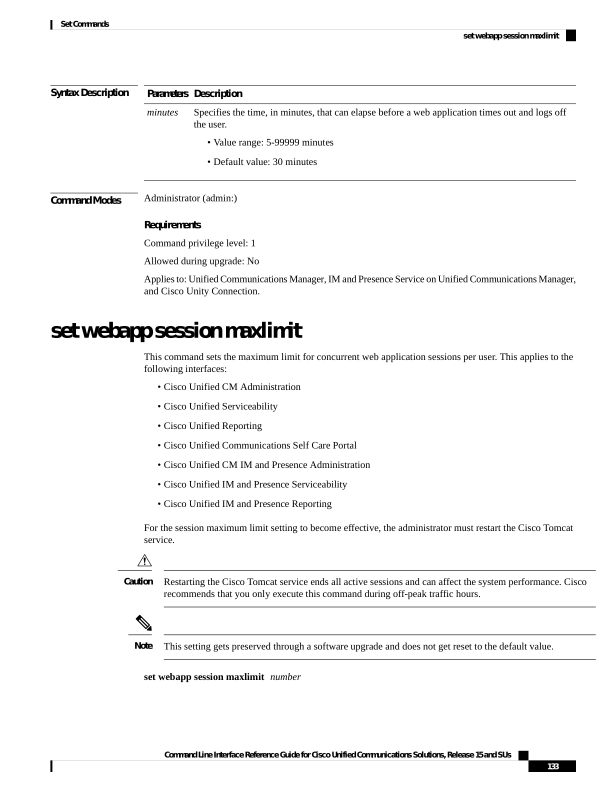
↗ View in doc contextSyntax Description Description Parameters Specifies the time, in minutes, that can elapse before a web application times out and logs off the user. • Value range: 5-99999 minutes • Default value: 30 minutes minutes Command Modes Administrator (admin:) Requirements Command privilege level: 1 Allowed during upgrade: No Applies to: Unified Communications Manager, IM and Presence Service on Unified Communications Manager, and Cisco Unity Connection. set webapp session maxlimit This command sets the maximum limit for concurrent web application sessions per user. This applies to the following interfaces: • Cisco Unified CM Administration • Cisco Unified Serviceability • Cisco Unified Reporting • Cisco Unified Communications Self Care Portal • Cisco Unified CM IM and Presence Administration • Cisco Unified IM and Presence Serviceability • Cisco Unified IM and Presence Reporting For the session maximum limit setting to become effective, the administrator must restart the Cisco Tomcat service. Restarting the Cisco Tomcat service ends all active sessions and can affect the system performance. Cisco recommends that you only execute this command during off-peak traffic hours. Caution This setting gets preserved through a software upgrade and does not get reset to the default value. Note set webapp session maxlimit number Command Line Interface Reference Guide for Cisco Unified Communications Solutions, Release 15 and SUs 133 Set Commands set webapp session maxlimit