McDewey
/mcpPage 160
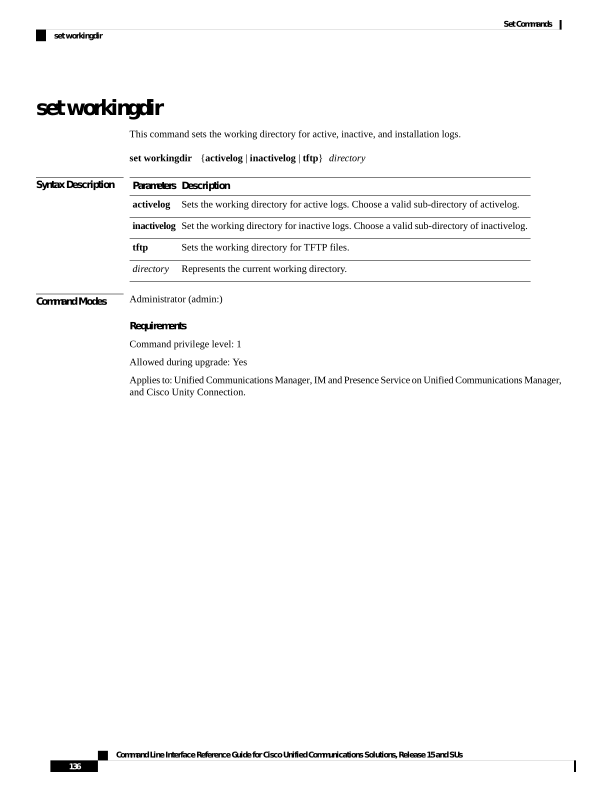
↗ View in doc contextset workingdir This command sets the working directory for active, inactive, and installation logs. set workingdir {activelog | inactivelog | tftp} directory Syntax Description Description Parameters Sets the working directory for active logs. Choose a valid sub-directory of activelog. activelog Set the working directory for inactive logs. Choose a valid sub-directory of inactivelog. inactivelog Sets the working directory for TFTP files. tftp Represents the current working directory. directory Command Modes Administrator (admin:) Requirements Command privilege level: 1 Allowed during upgrade: Yes Applies to: Unified Communications Manager, IM and Presence Service on Unified Communications Manager, and Cisco Unity Connection. Command Line Interface Reference Guide for Cisco Unified Communications Solutions, Release 15 and SUs 136 Set Commands set workingdir