McDewey
/mcpPage 191
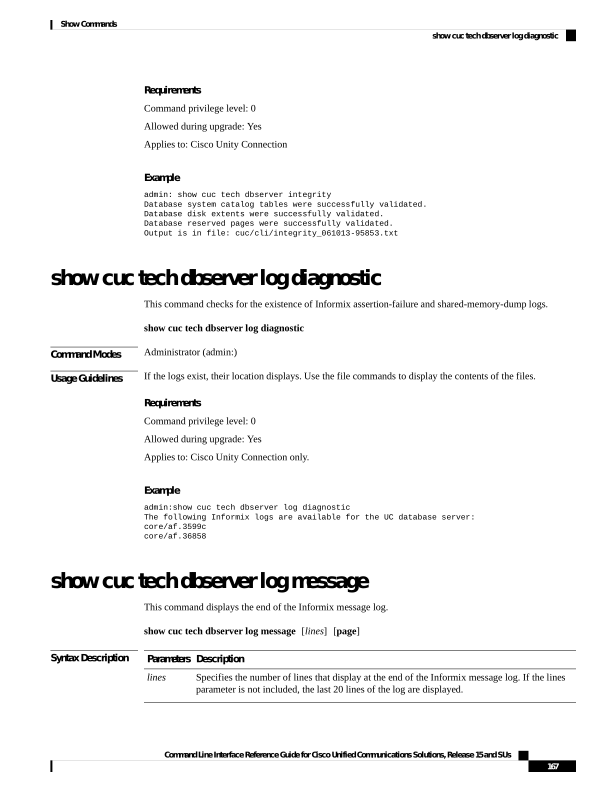
↗ View in doc contextRequirements Command privilege level: 0 Allowed during upgrade: Yes Applies to: Cisco Unity Connection Example admin: show cuc tech dbserver integrity Database system catalog tables were successfully validated. Database disk extents were successfully validated. Database reserved pages were successfully validated. Output is in file: cuc/cli/integrity_061013-95853.txt show cuc tech dbserver log diagnostic This command checks for the existence of Informix assertion-failure and shared-memory-dump logs. show cuc tech dbserver log diagnostic Command Modes Administrator (admin:) Usage Guidelines If the logs exist, their location displays. Use the file commands to display the contents of the files. Requirements Command privilege level: 0 Allowed during upgrade: Yes Applies to: Cisco Unity Connection only. Example admin:show cuc tech dbserver log diagnostic The following Informix logs are available for the UC database server: core/af.3599c core/af.36858 show cuc tech dbserver log message This command displays the end of the Informix message log. show cuc tech dbserver log message [lines] [page] Syntax Description Description Parameters Specifies the number of lines that display at the end of the Informix message log. If the lines parameter is not included, the last 20 lines of the log are displayed. lines Command Line Interface Reference Guide for Cisco Unified Communications Solutions, Release 15 and SUs 167 Show Commands show cuc tech dbserver log diagnostic