McDewey
/mcpPage 193
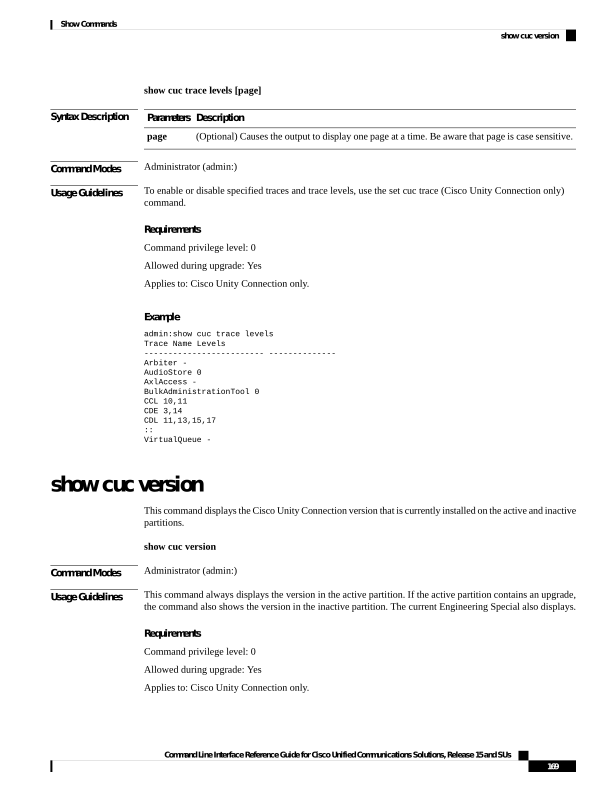
↗ View in doc contextshow cuc trace levels [page] Syntax Description Description Parameters (Optional) Causes the output to display one page at a time. Be aware that page is case sensitive. page Command Modes Administrator (admin:) Usage Guidelines To enable or disable specified traces and trace levels, use the set cuc trace (Cisco Unity Connection only) command. Requirements Command privilege level: 0 Allowed during upgrade: Yes Applies to: Cisco Unity Connection only. Example admin:show cuc trace levels Trace Name Levels
Arbiter - AudioStore 0 AxlAccess - BulkAdministrationTool 0 CCL 10,11 CDE 3,14 CDL 11,13,15,17 :: VirtualQueue - show cuc version This command displays the Cisco Unity Connection version that is currently installed on the active and inactive partitions. show cuc version Command Modes Administrator (admin:) Usage Guidelines This command always displays the version in the active partition. If the active partition contains an upgrade, the command also shows the version in the inactive partition. The current Engineering Special also displays. Requirements Command privilege level: 0 Allowed during upgrade: Yes Applies to: Cisco Unity Connection only. Command Line Interface Reference Guide for Cisco Unified Communications Solutions, Release 15 and SUs 169 Show Commands show cuc version