McDewey
/mcpPage 209
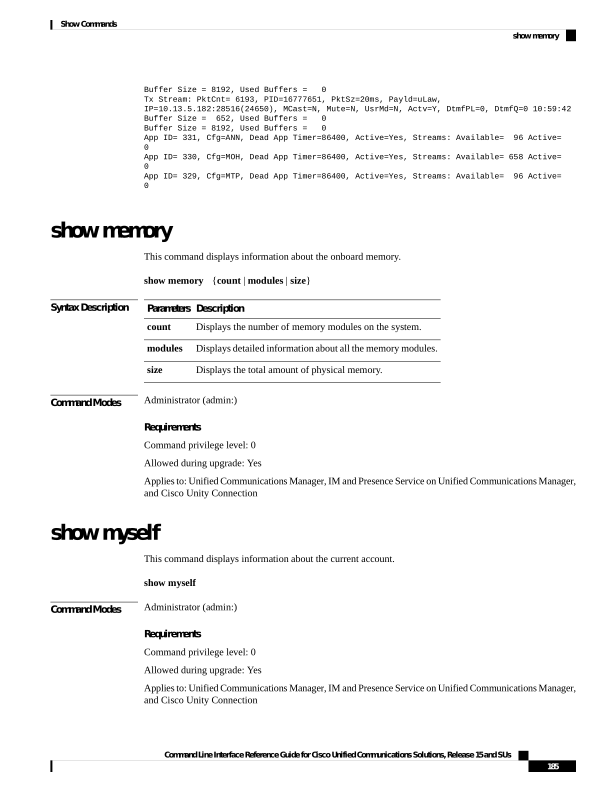
↗ View in doc contextBuffer Size = 8192, Used Buffers = 0 Tx Stream: PktCnt= 6193, PID=16777651, PktSz=20ms, Payld=uLaw, IP=10.13.5.182:28516(24650), MCast=N, Mute=N, UsrMd=N, Actv=Y, DtmfPL=0, DtmfQ=0 10:59:42 Buffer Size = 652, Used Buffers = 0 Buffer Size = 8192, Used Buffers = 0 App ID= 331, Cfg=ANN, Dead App Timer=86400, Active=Yes, Streams: Available= 96 Active= 0 App ID= 330, Cfg=MOH, Dead App Timer=86400, Active=Yes, Streams: Available= 658 Active= 0 App ID= 329, Cfg=MTP, Dead App Timer=86400, Active=Yes, Streams: Available= 96 Active= 0 show memory This command displays information about the onboard memory. show memory {count | modules | size} Syntax Description Description Parameters Displays the number of memory modules on the system. count Displays detailed information about all the memory modules. modules Displays the total amount of physical memory. size Command Modes Administrator (admin:) Requirements Command privilege level: 0 Allowed during upgrade: Yes Applies to: Unified Communications Manager, IM and Presence Service on Unified Communications Manager, and Cisco Unity Connection show myself This command displays information about the current account. show myself Command Modes Administrator (admin:) Requirements Command privilege level: 0 Allowed during upgrade: Yes Applies to: Unified Communications Manager, IM and Presence Service on Unified Communications Manager, and Cisco Unity Connection Command Line Interface Reference Guide for Cisco Unified Communications Solutions, Release 15 and SUs 185 Show Commands show memory