McDewey
/mcpPage 216
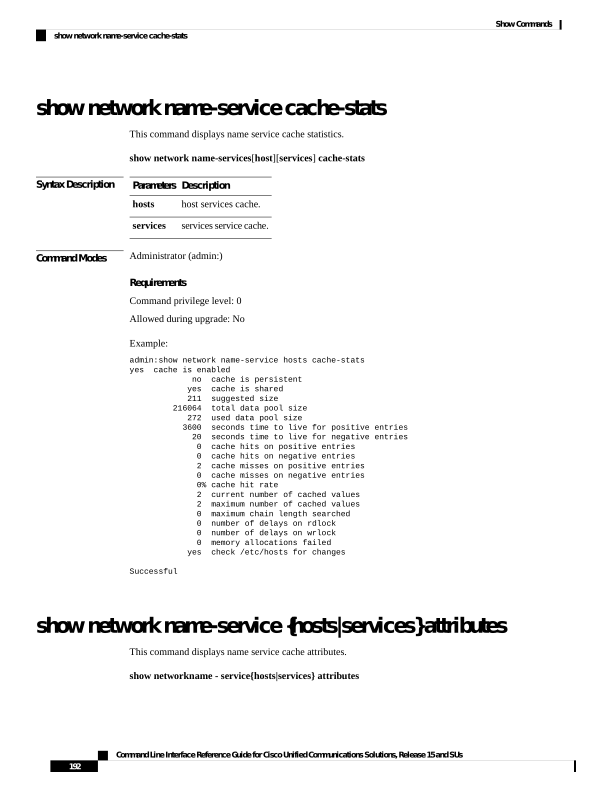
↗ View in doc contextshow network name-service cache-stats This command displays name service cache statistics. show network name-services[host][services] cache-stats Syntax Description Description Parameters host services cache. hosts services service cache. services Command Modes Administrator (admin:) Requirements Command privilege level: 0 Allowed during upgrade: No Example: admin:show network name-service hosts cache-stats yes cache is enabled no cache is persistent yes cache is shared 211 suggested size 216064 total data pool size 272 used data pool size 3600 seconds time to live for positive entries 20 seconds time to live for negative entries 0 cache hits on positive entries 0 cache hits on negative entries 2 cache misses on positive entries 0 cache misses on negative entries 0% cache hit rate 2 current number of cached values 2 maximum number of cached values 0 maximum chain length searched 0 number of delays on rdlock 0 number of delays on wrlock 0 memory allocations failed yes check /etc/hosts for changes Successful show network name-service {hosts|services} attributes This command displays name service cache attributes. show networkname - service{hosts|services} attributes Command Line Interface Reference Guide for Cisco Unified Communications Solutions, Release 15 and SUs 192 Show Commands show network name-service cache-stats