McDewey
/mcpPage 228
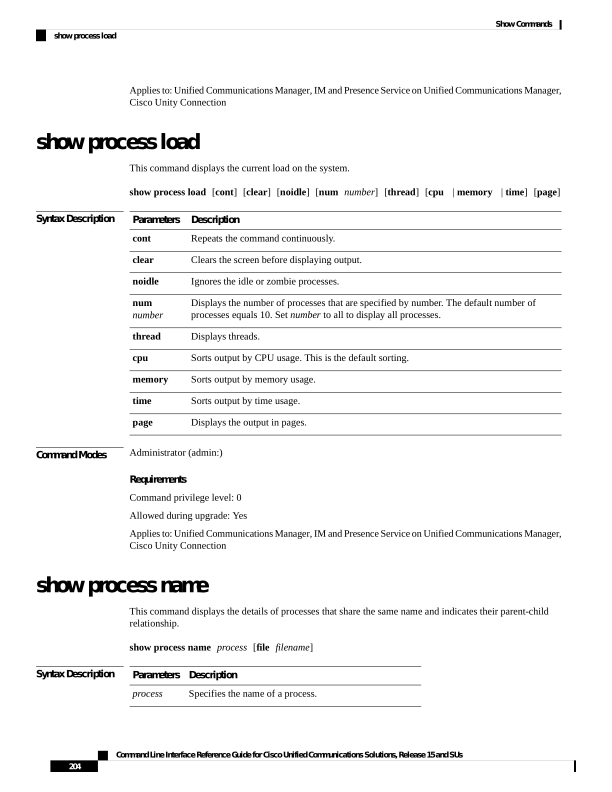
↗ View in doc contextApplies to: Unified Communications Manager, IM and Presence Service on Unified Communications Manager, Cisco Unity Connection show process load This command displays the current load on the system. show process load [cont] [clear] [noidle] [num number] [thread] [cpu | memory | time] [page] Syntax Description Description Parameters Repeats the command continuously. cont Clears the screen before displaying output. clear Ignores the idle or zombie processes. noidle Displays the number of processes that are specified by number. The default number of processes equals 10. Set number to all to display all processes. num number Displays threads. thread Sorts output by CPU usage. This is the default sorting. cpu Sorts output by memory usage. memory Sorts output by time usage. time Displays the output in pages. page Command Modes Administrator (admin:) Requirements Command privilege level: 0 Allowed during upgrade: Yes Applies to: Unified Communications Manager, IM and Presence Service on Unified Communications Manager, Cisco Unity Connection show process name This command displays the details of processes that share the same name and indicates their parent-child relationship. show process name process [file filename] Syntax Description Description Parameters Specifies the name of a process. process Command Line Interface Reference Guide for Cisco Unified Communications Solutions, Release 15 and SUs 204 Show Commands show process load