McDewey
/mcpPage 239
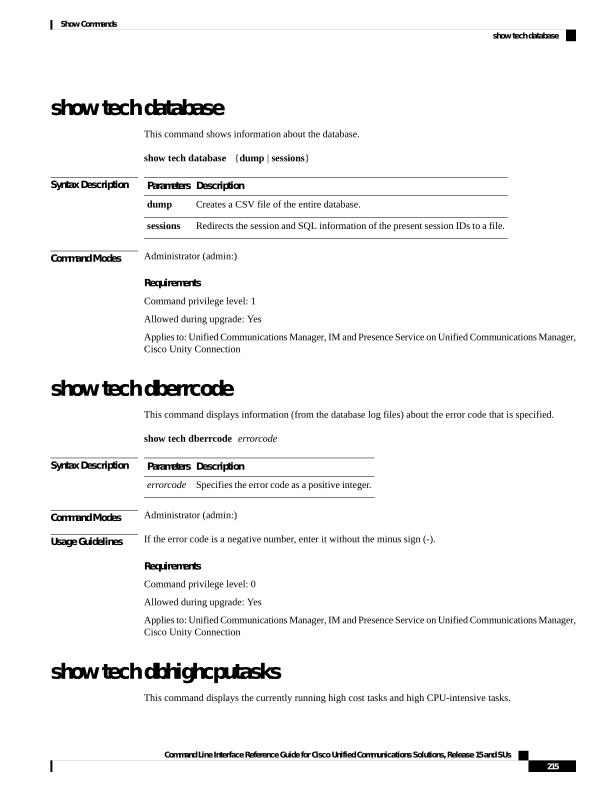
↗ View in doc contextshow tech database This command shows information about the database. show tech database {dump | sessions} Syntax Description Description Parameters Creates a CSV file of the entire database. dump Redirects the session and SQL information of the present session IDs to a file. sessions Command Modes Administrator (admin:) Requirements Command privilege level: 1 Allowed during upgrade: Yes Applies to: Unified Communications Manager, IM and Presence Service on Unified Communications Manager, Cisco Unity Connection show tech dberrcode This command displays information (from the database log files) about the error code that is specified. show tech dberrcode errorcode Syntax Description Description Parameters Specifies the error code as a positive integer. errorcode Command Modes Administrator (admin:) Usage Guidelines If the error code is a negative number, enter it without the minus sign (-). Requirements Command privilege level: 0 Allowed during upgrade: Yes Applies to: Unified Communications Manager, IM and Presence Service on Unified Communications Manager, Cisco Unity Connection show tech dbhighcputasks This command displays the currently running high cost tasks and high CPU-intensive tasks. Command Line Interface Reference Guide for Cisco Unified Communications Solutions, Release 15 and SUs 215 Show Commands show tech database