McDewey
/mcpPage 251
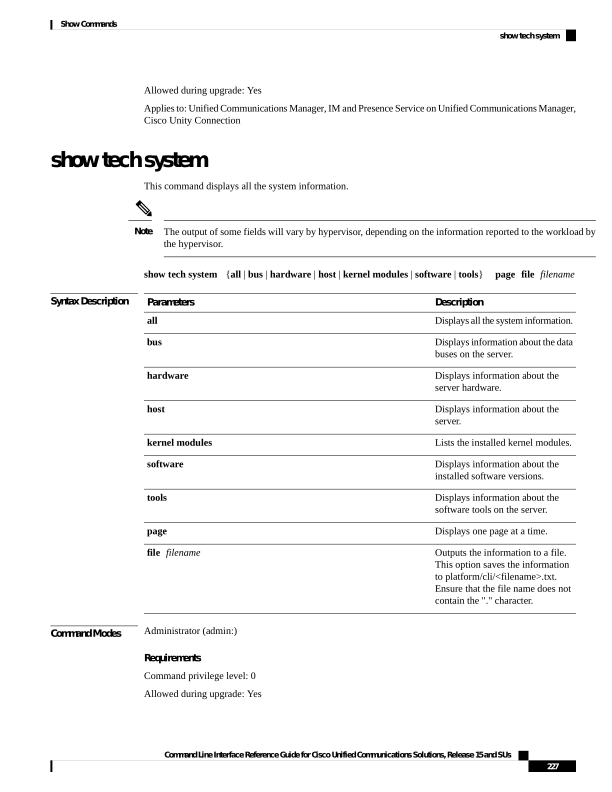
↗ View in doc contextAllowed during upgrade: Yes Applies to: Unified Communications Manager, IM and Presence Service on Unified Communications Manager, Cisco Unity Connection show tech system This command displays all the system information. The output of some fields will vary by hypervisor, depending on the information reported to the workload by the hypervisor. Note show tech system {all | bus | hardware | host | kernel modules | software | tools} page file filename Syntax Description Description Parameters Displays all the system information. all Displays information about the data buses on the server. bus Displays information about the server hardware. hardware Displays information about the server. host Lists the installed kernel modules. kernel modules Displays information about the installed software versions. software Displays information about the software tools on the server. tools Displays one page at a time. page Outputs the information to a file. This option saves the information to platform/cli/<filename>.txt. Ensure that the file name does not contain the "." character. file filename Command Modes Administrator (admin:) Requirements Command privilege level: 0 Allowed during upgrade: Yes Command Line Interface Reference Guide for Cisco Unified Communications Solutions, Release 15 and SUs 227 Show Commands show tech system