McDewey
/mcpPage 263
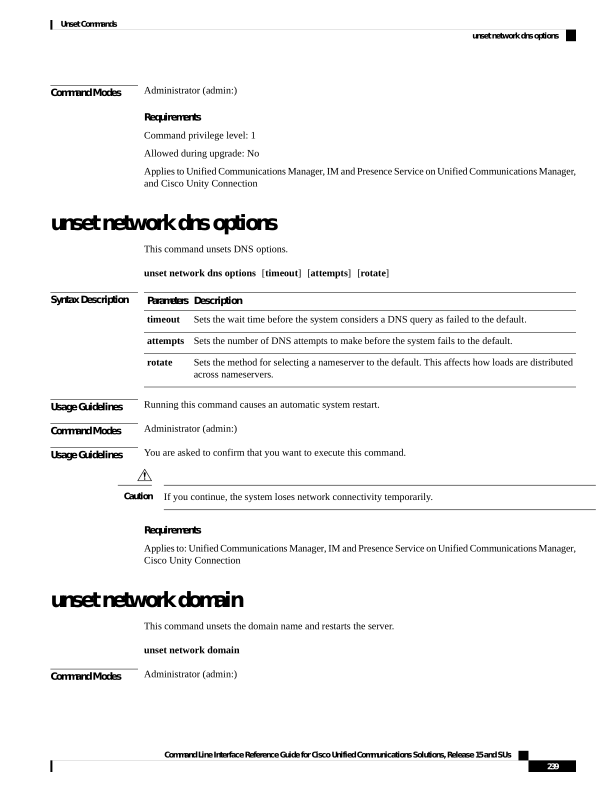
↗ View in doc contextCommand Modes Administrator (admin:) Requirements Command privilege level: 1 Allowed during upgrade: No Applies to Unified Communications Manager, IM and Presence Service on Unified Communications Manager, and Cisco Unity Connection unset network dns options This command unsets DNS options. unset network dns options [timeout] [attempts] [rotate] Syntax Description Description Parameters Sets the wait time before the system considers a DNS query as failed to the default. timeout Sets the number of DNS attempts to make before the system fails to the default. attempts Sets the method for selecting a nameserver to the default. This affects how loads are distributed across nameservers. rotate Usage Guidelines Running this command causes an automatic system restart. Command Modes Administrator (admin:) Usage Guidelines You are asked to confirm that you want to execute this command. If you continue, the system loses network connectivity temporarily. Caution Requirements Applies to: Unified Communications Manager, IM and Presence Service on Unified Communications Manager, Cisco Unity Connection unset network domain This command unsets the domain name and restarts the server. unset network domain Command Modes Administrator (admin:) Command Line Interface Reference Guide for Cisco Unified Communications Solutions, Release 15 and SUs 239 Unset Commands unset network dns options