McDewey
/mcpPage 278
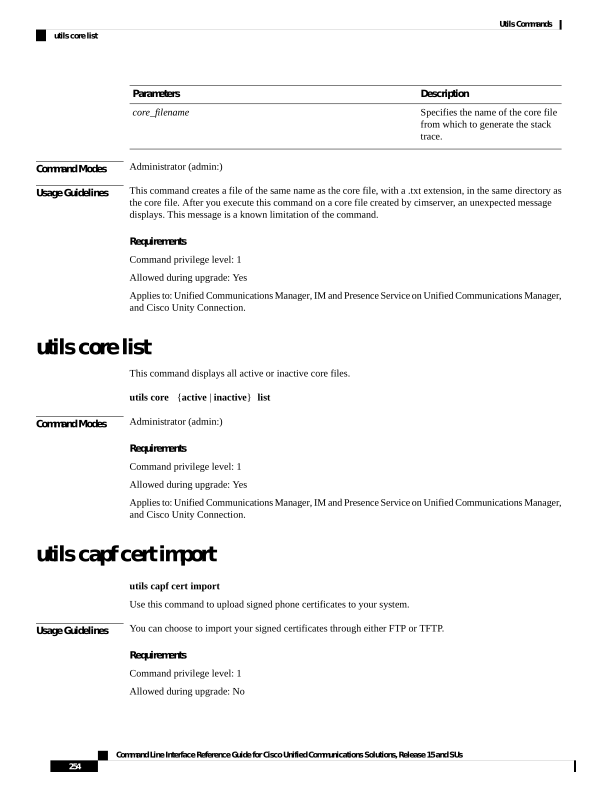
↗ View in doc contextDescription Parameters Specifies the name of the core file from which to generate the stack trace. core_filename Command Modes Administrator (admin:) Usage Guidelines This command creates a file of the same name as the core file, with a .txt extension, in the same directory as the core file. After you execute this command on a core file created by cimserver, an unexpected message displays. This message is a known limitation of the command. Requirements Command privilege level: 1 Allowed during upgrade: Yes Applies to: Unified Communications Manager, IM and Presence Service on Unified Communications Manager, and Cisco Unity Connection. utils core list This command displays all active or inactive core files. utils core {active | inactive} list Command Modes Administrator (admin:) Requirements Command privilege level: 1 Allowed during upgrade: Yes Applies to: Unified Communications Manager, IM and Presence Service on Unified Communications Manager, and Cisco Unity Connection. utils capf cert import utils capf cert import Use this command to upload signed phone certificates to your system. Usage Guidelines You can choose to import your signed certificates through either FTP or TFTP. Requirements Command privilege level: 1 Allowed during upgrade: No Command Line Interface Reference Guide for Cisco Unified Communications Solutions, Release 15 and SUs 254 Utils Commands utils core list