McDewey
/mcpPage 280
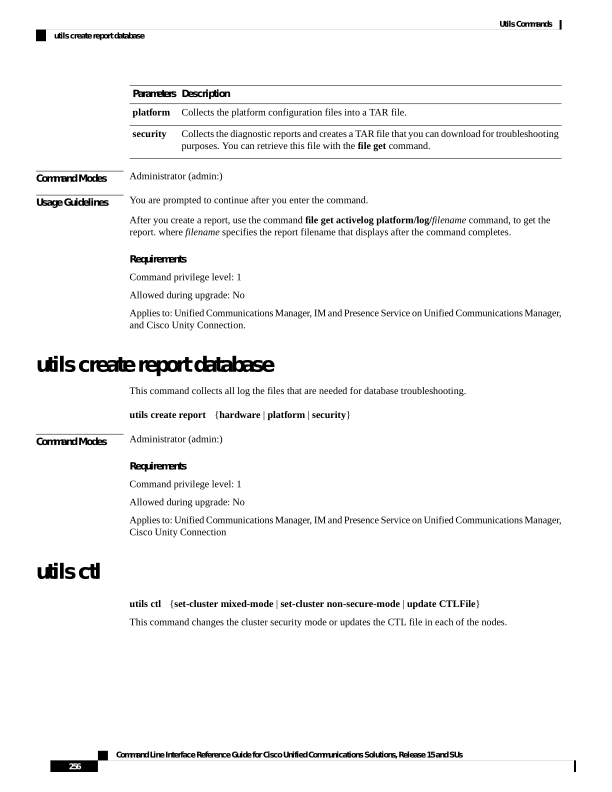
↗ View in doc contextDescription Parameters Collects the platform configuration files into a TAR file. platform Collects the diagnostic reports and creates a TAR file that you can download for troubleshooting purposes. You can retrieve this file with the file get command. security Command Modes Administrator (admin:) Usage Guidelines You are prompted to continue after you enter the command. After you create a report, use the command file get activelog platform/log/filename command, to get the report. where filename specifies the report filename that displays after the command completes. Requirements Command privilege level: 1 Allowed during upgrade: No Applies to: Unified Communications Manager, IM and Presence Service on Unified Communications Manager, and Cisco Unity Connection. utils create report database This command collects all log the files that are needed for database troubleshooting. utils create report {hardware | platform | security} Command Modes Administrator (admin:) Requirements Command privilege level: 1 Allowed during upgrade: No Applies to: Unified Communications Manager, IM and Presence Service on Unified Communications Manager, Cisco Unity Connection utils ctl utils ctl {set-cluster mixed-mode | set-cluster non-secure-mode | update CTLFile} This command changes the cluster security mode or updates the CTL file in each of the nodes. Command Line Interface Reference Guide for Cisco Unified Communications Solutions, Release 15 and SUs 256 Utils Commands utils create report database