McDewey
/mcpPage 51
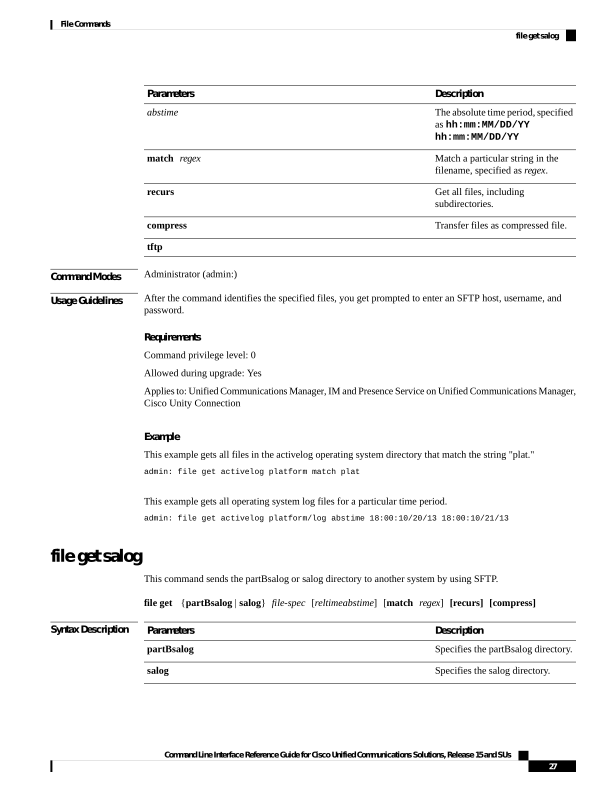
↗ View in doc contextDescription Parameters The absolute time period, specified as hh:mm:MM/DD/YY hh:mm:MM/DD/YY abstime Match a particular string in the filename, specified as regex. match regex Get all files, including subdirectories. recurs Transfer files as compressed file. compress tftp Command Modes Administrator (admin:) Usage Guidelines After the command identifies the specified files, you get prompted to enter an SFTP host, username, and password. Requirements Command privilege level: 0 Allowed during upgrade: Yes Applies to: Unified Communications Manager, IM and Presence Service on Unified Communications Manager, Cisco Unity Connection Example This example gets all files in the activelog operating system directory that match the string "plat." admin: file get activelog platform match plat This example gets all operating system log files for a particular time period. admin: file get activelog platform/log abstime 18:00:10/20/13 18:00:10/21/13 file get salog This command sends the partBsalog or salog directory to another system by using SFTP. file get {partBsalog | salog} file-spec [reltimeabstime] [match regex] [recurs] [compress] Syntax Description Description Parameters Specifies the partBsalog directory. partBsalog Specifies the salog directory. salog Command Line Interface Reference Guide for Cisco Unified Communications Solutions, Release 15 and SUs 27 File Commands file get salog