McDewey
/mcpPage 302
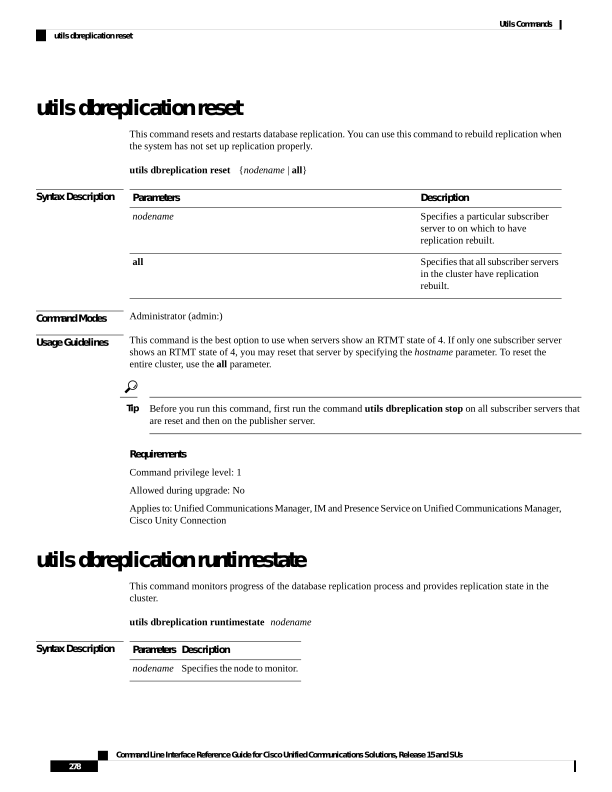
↗ View in doc contextutils dbreplication reset This command resets and restarts database replication. You can use this command to rebuild replication when the system has not set up replication properly. utils dbreplication reset {nodename | all} Syntax Description Description Parameters Specifies a particular subscriber server to on which to have replication rebuilt. nodename Specifies that all subscriber servers in the cluster have replication rebuilt. all Command Modes Administrator (admin:) Usage Guidelines This command is the best option to use when servers show an RTMT state of 4. If only one subscriber server shows an RTMT state of 4, you may reset that server by specifying the hostname parameter. To reset the entire cluster, use the all parameter. Before you run this command, first run the command utils dbreplication stop on all subscriber servers that are reset and then on the publisher server. Tip Requirements Command privilege level: 1 Allowed during upgrade: No Applies to: Unified Communications Manager, IM and Presence Service on Unified Communications Manager, Cisco Unity Connection utils dbreplication runtimestate This command monitors progress of the database replication process and provides replication state in the cluster. utils dbreplication runtimestate nodename Syntax Description Description Parameters Specifies the node to monitor. nodename Command Line Interface Reference Guide for Cisco Unified Communications Solutions, Release 15 and SUs 278 Utils Commands utils dbreplication reset