McDewey
/mcpPage 308
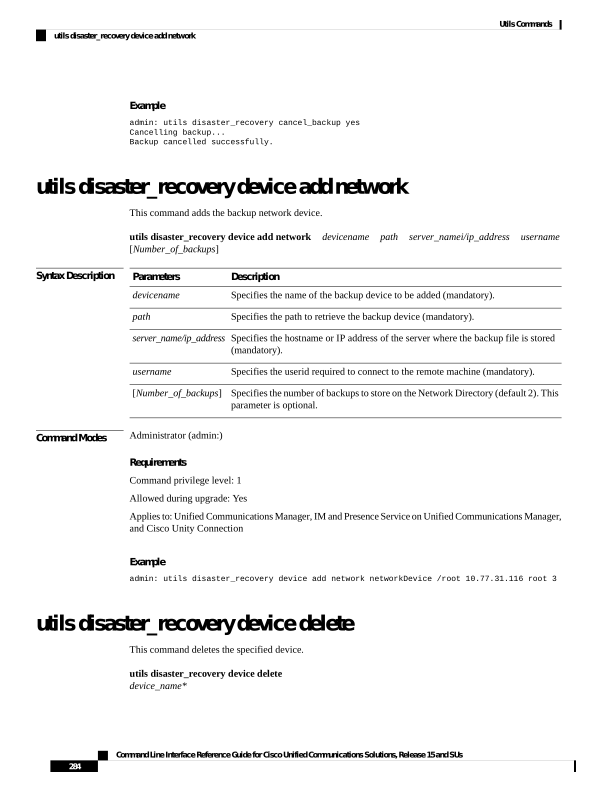
↗ View in doc contextExample admin: utils disaster_recovery cancel_backup yes Cancelling backup... Backup cancelled successfully. utils disaster_recovery device add network This command adds the backup network device. utils disaster_recovery device add network devicename path server_namei/ip_address username [Number_of_backups] Syntax Description Description Parameters Specifies the name of the backup device to be added (mandatory). devicename Specifies the path to retrieve the backup device (mandatory). path Specifies the hostname or IP address of the server where the backup file is stored (mandatory). server_name/ip_address Specifies the userid required to connect to the remote machine (mandatory). username Specifies the number of backups to store on the Network Directory (default 2). This parameter is optional. [Number_of_backups] Command Modes Administrator (admin:) Requirements Command privilege level: 1 Allowed during upgrade: Yes Applies to: Unified Communications Manager, IM and Presence Service on Unified Communications Manager, and Cisco Unity Connection Example admin: utils disaster_recovery device add network networkDevice /root 10.77.31.116 root 3 utils disaster_recovery device delete This command deletes the specified device. utils disaster_recovery device delete device_name* Command Line Interface Reference Guide for Cisco Unified Communications Solutions, Release 15 and SUs 284 Utils Commands utils disaster_recovery device add network