McDewey
/mcpPage 53
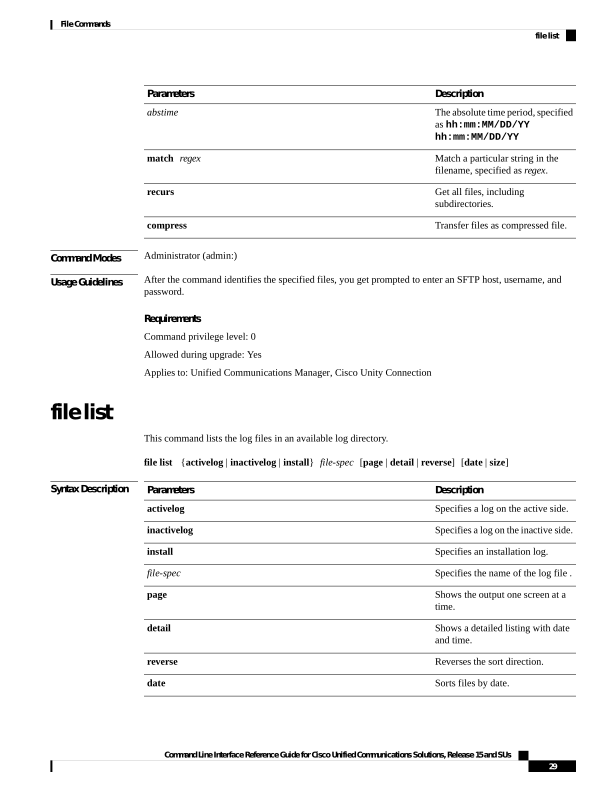
↗ View in doc contextDescription Parameters The absolute time period, specified as hh:mm:MM/DD/YY hh:mm:MM/DD/YY abstime Match a particular string in the filename, specified as regex. match regex Get all files, including subdirectories. recurs Transfer files as compressed file. compress Command Modes Administrator (admin:) Usage Guidelines After the command identifies the specified files, you get prompted to enter an SFTP host, username, and password. Requirements Command privilege level: 0 Allowed during upgrade: Yes Applies to: Unified Communications Manager, Cisco Unity Connection file list This command lists the log files in an available log directory. file list {activelog | inactivelog | install} file-spec [page | detail | reverse] [date | size] Syntax Description Description Parameters Specifies a log on the active side. activelog Specifies a log on the inactive side. inactivelog Specifies an installation log. install Specifies the name of the log file . file-spec Shows the output one screen at a time. page Shows a detailed listing with date and time. detail Reverses the sort direction. reverse Sorts files by date. date Command Line Interface Reference Guide for Cisco Unified Communications Solutions, Release 15 and SUs 29 File Commands file list