McDewey
/mcpPage 317
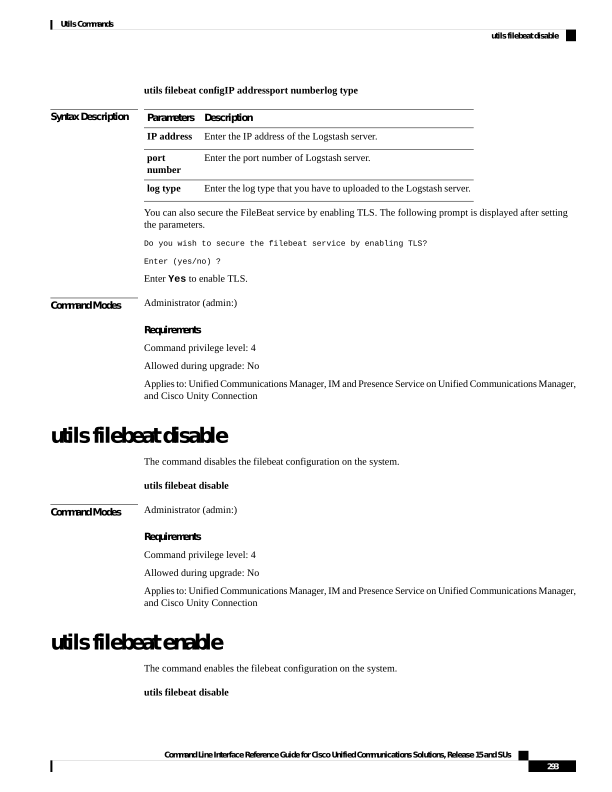
↗ View in doc contextutils filebeat configIP addressport numberlog type Syntax Description Description Parameters Enter the IP address of the Logstash server. IP address Enter the port number of Logstash server. port number Enter the log type that you have to uploaded to the Logstash server. log type You can also secure the FileBeat service by enabling TLS. The following prompt is displayed after setting the parameters. Do you wish to secure the filebeat service by enabling TLS? Enter (yes/no) ? Enter Yes to enable TLS. Command Modes Administrator (admin:) Requirements Command privilege level: 4 Allowed during upgrade: No Applies to: Unified Communications Manager, IM and Presence Service on Unified Communications Manager, and Cisco Unity Connection utils filebeat disable The command disables the filebeat configuration on the system. utils filebeat disable Command Modes Administrator (admin:) Requirements Command privilege level: 4 Allowed during upgrade: No Applies to: Unified Communications Manager, IM and Presence Service on Unified Communications Manager, and Cisco Unity Connection utils filebeat enable The command enables the filebeat configuration on the system. utils filebeat disable Command Line Interface Reference Guide for Cisco Unified Communications Solutions, Release 15 and SUs 293 Utils Commands utils filebeat disable