McDewey
/mcpPage 329
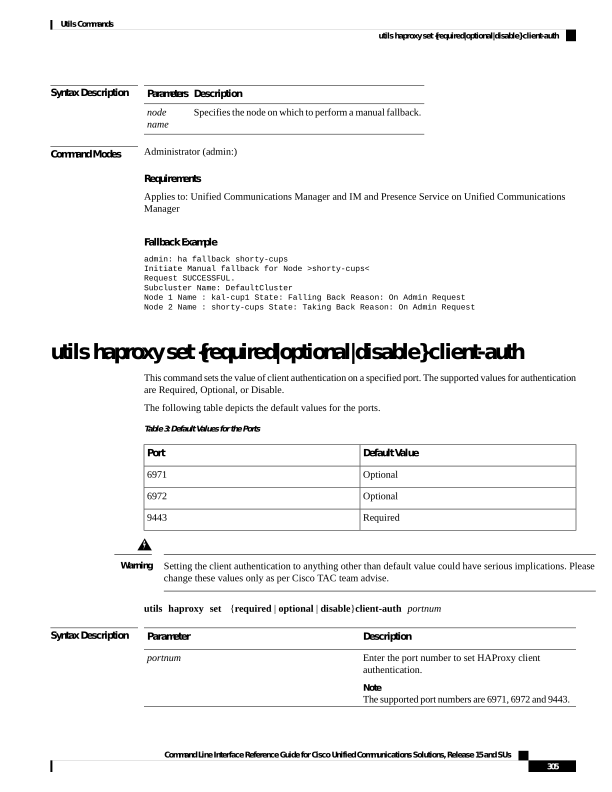
↗ View in doc contextSyntax Description Description Parameters Specifies the node on which to perform a manual fallback. node name Command Modes Administrator (admin:) Requirements Applies to: Unified Communications Manager and IM and Presence Service on Unified Communications Manager Fallback Example admin: ha fallback shorty-cups Initiate Manual fallback for Node >shorty-cups< Request SUCCESSFUL. Subcluster Name: DefaultCluster Node 1 Name : kal-cup1 State: Falling Back Reason: On Admin Request Node 2 Name : shorty-cups State: Taking Back Reason: On Admin Request utils haproxy set {required|optional|disable} client-auth This command sets the value of client authentication on a specified port. The supported values for authentication are Required, Optional, or Disable. The following table depicts the default values for the ports. Table 3: Default Values for the Ports Default Value Port Optional 6971 Optional 6972 Required 9443 Setting the client authentication to anything other than default value could have serious implications. Please change these values only as per Cisco TAC team advise. Warning utils haproxy set {required | optional | disable}client-auth portnum Syntax Description Description Parameter Enter the port number to set HAProxy client authentication. Note The supported port numbers are 6971, 6972 and 9443. portnum Command Line Interface Reference Guide for Cisco Unified Communications Solutions, Release 15 and SUs 305 Utils Commands utils haproxy set {required|optional|disable} client-auth