McDewey
/mcpPage 334
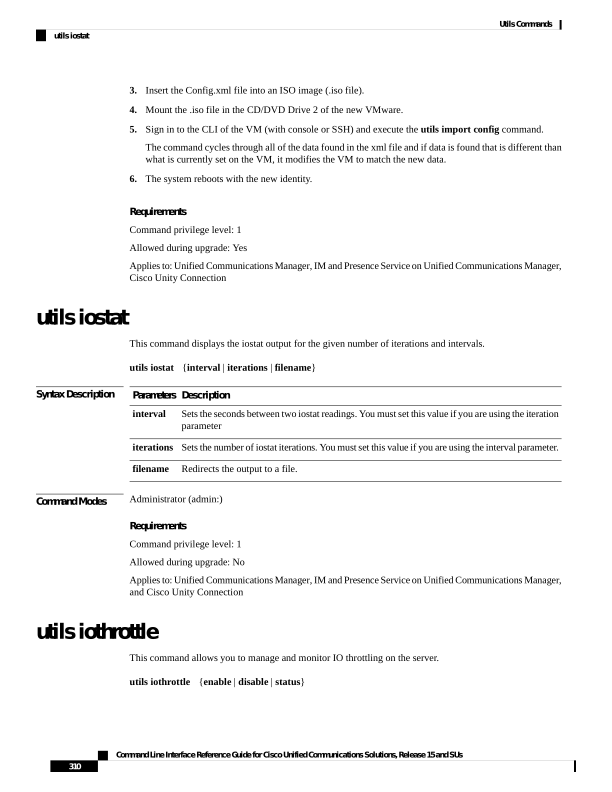
↗ View in doc contextInsert the Config.xml file into an ISO image (.iso file). 4. Mount the .iso file in the CD/DVD Drive 2 of the new VMware. 5. Sign in to the CLI of the VM (with console or SSH) and execute the utils import config command. The command cycles through all of the data found in the xml file and if data is found that is different than what is currently set on the VM, it modifies the VM to match the new data. 6. The system reboots with the new identity. Requirements Command privilege level: 1 Allowed during upgrade: Yes Applies to: Unified Communications Manager, IM and Presence Service on Unified Communications Manager, Cisco Unity Connection utils iostat This command displays the iostat output for the given number of iterations and intervals. utils iostat {interval | iterations | filename} Syntax Description Description Parameters Sets the seconds between two iostat readings. You must set this value if you are using the iteration parameter interval Sets the number of iostat iterations. You must set this value if you are using the interval parameter. iterations Redirects the output to a file. filename Command Modes Administrator (admin:) Requirements Command privilege level: 1 Allowed during upgrade: No Applies to: Unified Communications Manager, IM and Presence Service on Unified Communications Manager, and Cisco Unity Connection utils iothrottle This command allows you to manage and monitor IO throttling on the server. utils iothrottle {enable | disable | status} Command Line Interface Reference Guide for Cisco Unified Communications Solutions, Release 15 and SUs 310 Utils Commands utils iostat