McDewey
/mcpPage 56
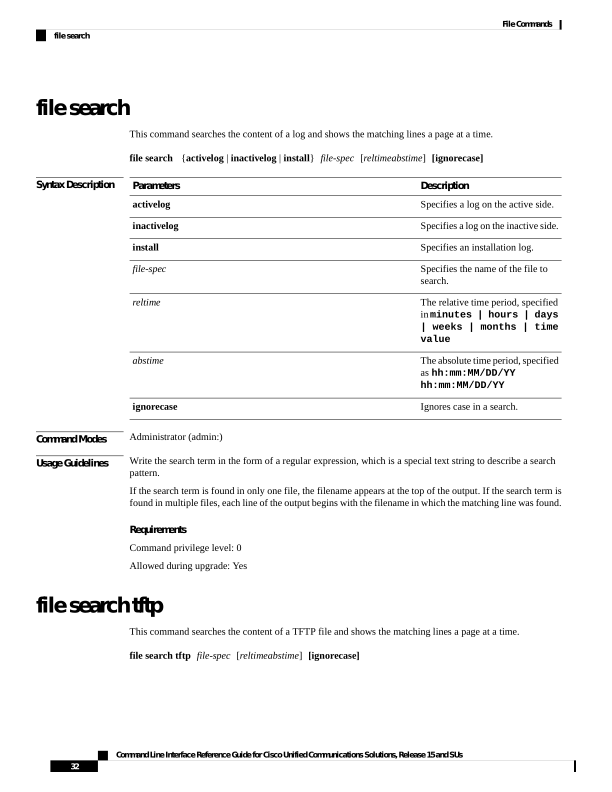
↗ View in doc contextfile search This command searches the content of a log and shows the matching lines a page at a time. file search {activelog | inactivelog | install} file-spec [reltimeabstime] [ignorecase] Syntax Description Description Parameters Specifies a log on the active side. activelog Specifies a log on the inactive side. inactivelog Specifies an installation log. install Specifies the name of the file to search. file-spec The relative time period, specified in minutes | hours | days | weeks | months | time value reltime The absolute time period, specified as hh:mm:MM/DD/YY hh:mm:MM/DD/YY abstime Ignores case in a search. ignorecase Command Modes Administrator (admin:) Usage Guidelines Write the search term in the form of a regular expression, which is a special text string to describe a search pattern. If the search term is found in only one file, the filename appears at the top of the output. If the search term is found in multiple files, each line of the output begins with the filename in which the matching line was found. Requirements Command privilege level: 0 Allowed during upgrade: Yes file search tftp This command searches the content of a TFTP file and shows the matching lines a page at a time. file search tftp file-spec [reltimeabstime] [ignorecase] Command Line Interface Reference Guide for Cisco Unified Communications Solutions, Release 15 and SUs 32 File Commands file search