McDewey
/mcpPage 350
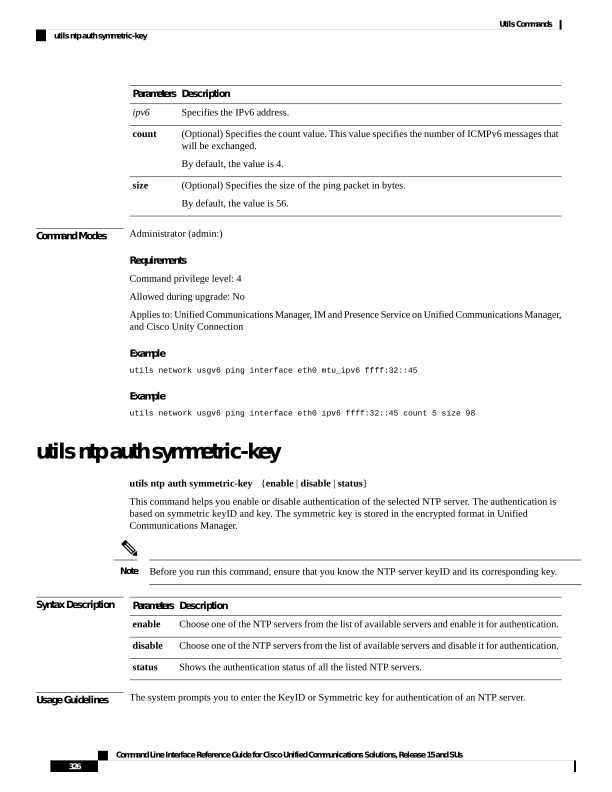
↗ View in doc contextDescription Parameters Specifies the IPv6 address. ipv6 (Optional) Specifies the count value. This value specifies the number of ICMPv6 messages that will be exchanged. By default, the value is 4. count (Optional) Specifies the size of the ping packet in bytes. By default, the value is 56. size Command Modes Administrator (admin:) Requirements Command privilege level: 4 Allowed during upgrade: No Applies to: Unified Communications Manager, IM and Presence Service on Unified Communications Manager, and Cisco Unity Connection Example utils network usgv6 ping interface eth0 mtu_ipv6 ffff:32::45 Example utils network usgv6 ping interface eth0 ipv6 ffff:32::45 count 5 size 98 utils ntp auth symmetric-key utils ntp auth symmetric-key {enable | disable | status} This command helps you enable or disable authentication of the selected NTP server. The authentication is based on symmetric keyID and key. The symmetric key is stored in the encrypted format in Unified Communications Manager. Before you run this command, ensure that you know the NTP server keyID and its corresponding key. Note Syntax Description Description Parameters Choose one of the NTP servers from the list of available servers and enable it for authentication. enable Choose one of the NTP servers from the list of available servers and disable it for authentication. disable Shows the authentication status of all the listed NTP servers. status Usage Guidelines The system prompts you to enter the KeyID or Symmetric key for authentication of an NTP server. Command Line Interface Reference Guide for Cisco Unified Communications Solutions, Release 15 and SUs 326 Utils Commands utils ntp auth symmetric-key