McDewey
/mcpPage 352
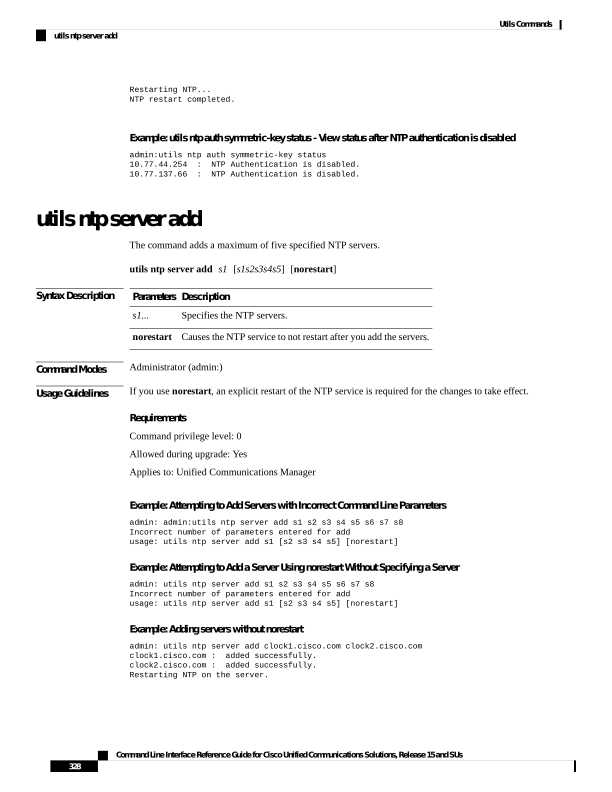
↗ View in doc contextRestarting NTP... NTP restart completed. Example: utils ntp auth symmetric-key status - View status after NTP authentication is disabled admin:utils ntp auth symmetric-key status 10.77.44.254 : NTP Authentication is disabled. 10.77.137.66 : NTP Authentication is disabled. utils ntp server add The command adds a maximum of five specified NTP servers. utils ntp server add s1 [s1s2s3s4s5] [norestart] Syntax Description Description Parameters Specifies the NTP servers. s1... Causes the NTP service to not restart after you add the servers. norestart Command Modes Administrator (admin:) Usage Guidelines If you use norestart, an explicit restart of the NTP service is required for the changes to take effect. Requirements Command privilege level: 0 Allowed during upgrade: Yes Applies to: Unified Communications Manager Example: Attempting to Add Servers with Incorrect Command Line Parameters admin: admin:utils ntp server add s1 s2 s3 s4 s5 s6 s7 s8 Incorrect number of parameters entered for add usage: utils ntp server add s1 [s2 s3 s4 s5] [norestart] Example: Attempting to Add a Server Using norestart Without Specifying a Server admin: utils ntp server add s1 s2 s3 s4 s5 s6 s7 s8 Incorrect number of parameters entered for add usage: utils ntp server add s1 [s2 s3 s4 s5] [norestart] Example: Adding servers without norestart admin: utils ntp server add clock1.cisco.com clock2.cisco.com clock1.cisco.com : added successfully. clock2.cisco.com : added successfully. Restarting NTP on the server. Command Line Interface Reference Guide for Cisco Unified Communications Solutions, Release 15 and SUs 328 Utils Commands utils ntp server add