McDewey
/mcpPage 59
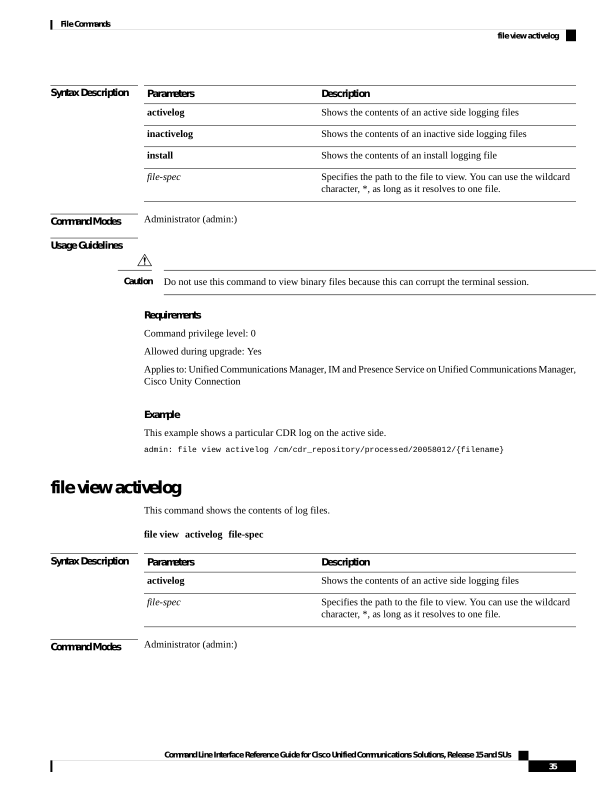
↗ View in doc contextSyntax Description Description Parameters Shows the contents of an active side logging files activelog Shows the contents of an inactive side logging files inactivelog Shows the contents of an install logging file install Specifies the path to the file to view. You can use the wildcard character, *, as long as it resolves to one file. file-spec Command Modes Administrator (admin:) Usage Guidelines Do not use this command to view binary files because this can corrupt the terminal session. Caution Requirements Command privilege level: 0 Allowed during upgrade: Yes Applies to: Unified Communications Manager, IM and Presence Service on Unified Communications Manager, Cisco Unity Connection Example This example shows a particular CDR log on the active side. admin: file view activelog /cm/cdr_repository/processed/20058012/{filename} file view activelog This command shows the contents of log files. file view activelog file-spec Syntax Description Description Parameters Shows the contents of an active side logging files activelog Specifies the path to the file to view. You can use the wildcard character, *, as long as it resolves to one file. file-spec Command Modes Administrator (admin:) Command Line Interface Reference Guide for Cisco Unified Communications Solutions, Release 15 and SUs 35 File Commands file view activelog