McDewey
/mcpPage 381
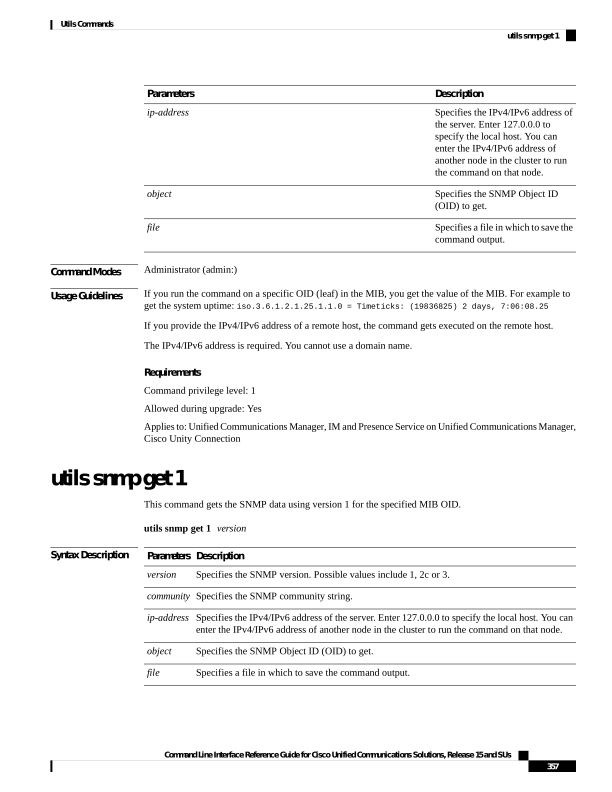
↗ View in doc contextDescription Parameters Specifies the IPv4/IPv6 address of the server. Enter 127.0.0.0 to specify the local host. You can enter the IPv4/IPv6 address of another node in the cluster to run the command on that node. ip-address Specifies the SNMP Object ID (OID) to get. object Specifies a file in which to save the command output. file Command Modes Administrator (admin:) Usage Guidelines If you run the command on a specific OID (leaf) in the MIB, you get the value of the MIB. For example to get the system uptime: iso.3.6.1.2.1.25.1.1.0 = Timeticks: (19836825) 2 days, 7:06:08.25 If you provide the IPv4/IPv6 address of a remote host, the command gets executed on the remote host. The IPv4/IPv6 address is required. You cannot use a domain name. Requirements Command privilege level: 1 Allowed during upgrade: Yes Applies to: Unified Communications Manager, IM and Presence Service on Unified Communications Manager, Cisco Unity Connection utils snmp get 1 This command gets the SNMP data using version 1 for the specified MIB OID. utils snmp get 1 version Syntax Description Description Parameters Specifies the SNMP version. Possible values include 1, 2c or 3. version Specifies the SNMP community string. community Specifies the IPv4/IPv6 address of the server. Enter 127.0.0.0 to specify the local host. You can enter the IPv4/IPv6 address of another node in the cluster to run the command on that node. ip-address Specifies the SNMP Object ID (OID) to get. object Specifies a file in which to save the command output. file Command Line Interface Reference Guide for Cisco Unified Communications Solutions, Release 15 and SUs 357 Utils Commands utils snmp get 1