McDewey
/mcpPage 383
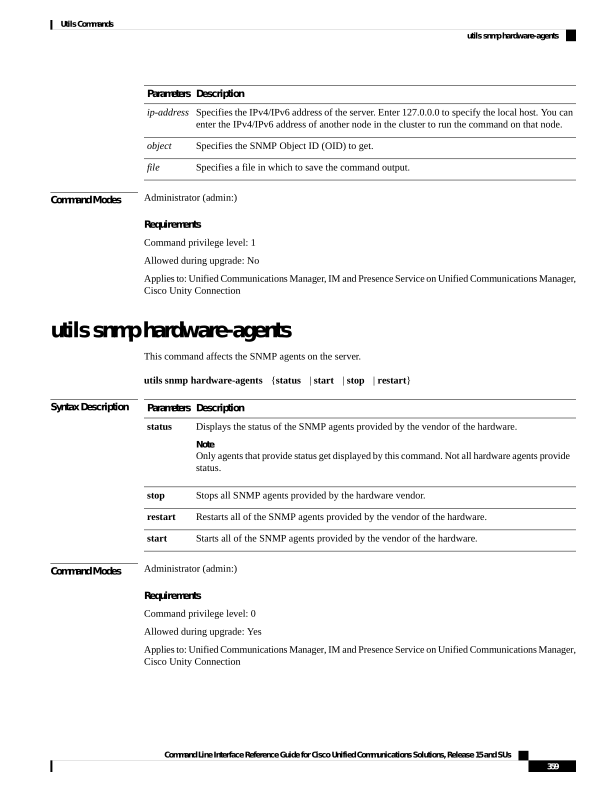
↗ View in doc contextDescription Parameters Specifies the IPv4/IPv6 address of the server. Enter 127.0.0.0 to specify the local host. You can enter the IPv4/IPv6 address of another node in the cluster to run the command on that node. ip-address Specifies the SNMP Object ID (OID) to get. object Specifies a file in which to save the command output. file Command Modes Administrator (admin:) Requirements Command privilege level: 1 Allowed during upgrade: No Applies to: Unified Communications Manager, IM and Presence Service on Unified Communications Manager, Cisco Unity Connection utils snmp hardware-agents This command affects the SNMP agents on the server. utils snmp hardware-agents {status | start | stop | restart} Syntax Description Description Parameters Displays the status of the SNMP agents provided by the vendor of the hardware. Note Only agents that provide status get displayed by this command. Not all hardware agents provide status. status Stops all SNMP agents provided by the hardware vendor. stop Restarts all of the SNMP agents provided by the vendor of the hardware. restart Starts all of the SNMP agents provided by the vendor of the hardware. start Command Modes Administrator (admin:) Requirements Command privilege level: 0 Allowed during upgrade: Yes Applies to: Unified Communications Manager, IM and Presence Service on Unified Communications Manager, Cisco Unity Connection Command Line Interface Reference Guide for Cisco Unified Communications Solutions, Release 15 and SUs 359 Utils Commands utils snmp hardware-agents