McDewey
/mcpPage 409
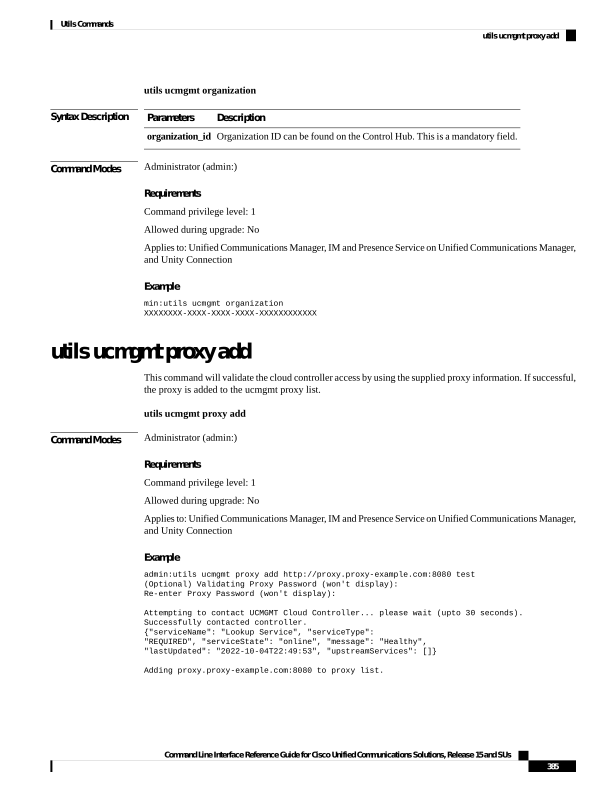
↗ View in doc contextutils ucmgmt organization Syntax Description Description Parameters Organization ID can be found on the Control Hub. This is a mandatory field. organization_id Command Modes Administrator (admin:) Requirements Command privilege level: 1 Allowed during upgrade: No Applies to: Unified Communications Manager, IM and Presence Service on Unified Communications Manager, and Unity Connection Example min:utils ucmgmt organization XXXXXXXX-XXXX-XXXX-XXXX-XXXXXXXXXXXX utils ucmgmt proxy add This command will validate the cloud controller access by using the supplied proxy information. If successful, the proxy is added to the ucmgmt proxy list. utils ucmgmt proxy add Command Modes Administrator (admin:) Requirements Command privilege level: 1 Allowed during upgrade: No Applies to: Unified Communications Manager, IM and Presence Service on Unified Communications Manager, and Unity Connection Example admin:utils ucmgmt proxy add http://proxy.proxy-example.com:8080 test (Optional) Validating Proxy Password (won't display): Re-enter Proxy Password (won't display): Attempting to contact UCMGMT Cloud Controller... please wait (upto 30 seconds). Successfully contacted controller. {"serviceName": "Lookup Service", "serviceType": "REQUIRED", "serviceState": "online", "message": "Healthy", "lastUpdated": "2022-10-04T22:49:53", "upstreamServices": []} Adding proxy.proxy-example.com:8080 to proxy list. Command Line Interface Reference Guide for Cisco Unified Communications Solutions, Release 15 and SUs 385 Utils Commands utils ucmgmt proxy add