McDewey
Multi-vendor documentation library · semantic search · MCP endpoint at
/mcpPage 76
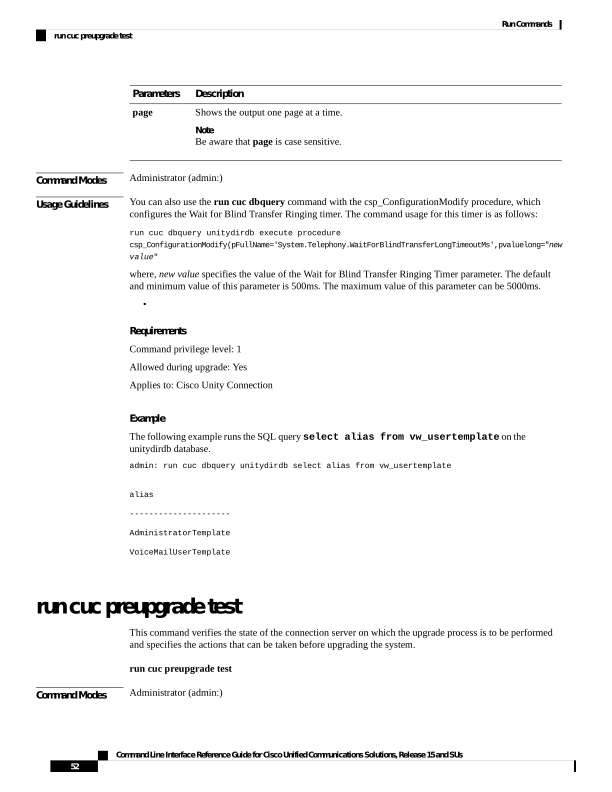
↗ View in doc contextDescription Parameters Shows the output one page at a time. Note Be aware that page is case sensitive. page Command Modes Administrator (admin:) Usage Guidelines You can also use the run cuc dbquery command with the csp_ConfigurationModify procedure, which configures the Wait for Blind Transfer Ringing timer. The command usage for this timer is as follows: run cuc dbquery unitydirdb execute procedure csp_ConfigurationModify(pFullName='System.Telephony.WaitForBlindTransferLongTimeoutMs',pvaluelong="new value" where, new value specifies the value of the Wait for Blind Transfer Ringing Timer parameter. The default and minimum value of this parameter is 500ms. The maximum value of this parameter can be 5000ms. • Requirements Command privilege level: 1 Allowed during upgrade: Yes Applies to: Cisco Unity Connection Example The following example runs the SQL query select alias from vw_usertemplate on the unitydirdb database. admin: run cuc dbquery unitydirdb select alias from vw_usertemplate alias
AdministratorTemplate VoiceMailUserTemplate run cuc preupgrade test This command verifies the state of the connection server on which the upgrade process is to be performed and specifies the actions that can be taken before upgrading the system. run cuc preupgrade test Command Modes Administrator (admin:) Command Line Interface Reference Guide for Cisco Unified Communications Solutions, Release 15 and SUs 52 Run Commands run cuc preupgrade test