McDewey
/mcpPage 93
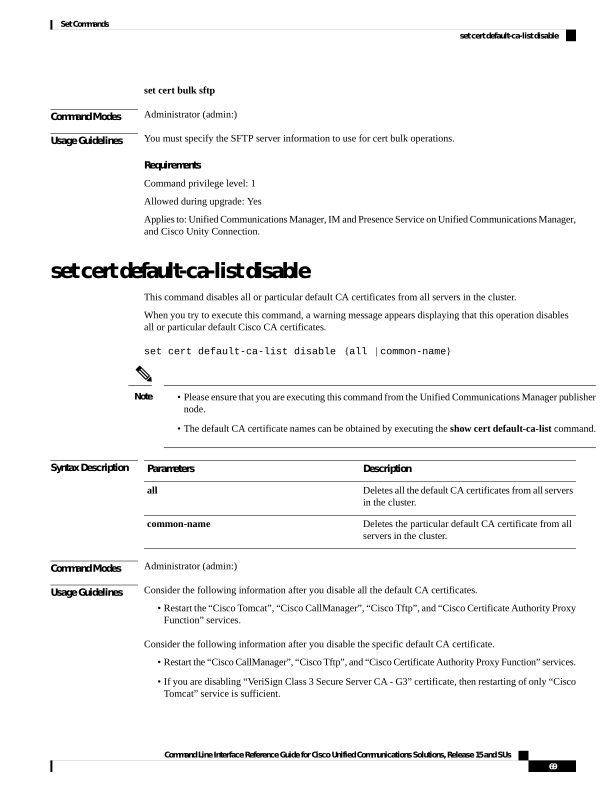
↗ View in doc contextset cert bulk sftp Command Modes Administrator (admin:) Usage Guidelines You must specify the SFTP server information to use for cert bulk operations. Requirements Command privilege level: 1 Allowed during upgrade: Yes Applies to: Unified Communications Manager, IM and Presence Service on Unified Communications Manager, and Cisco Unity Connection. set cert default-ca-list disable This command disables all or particular default CA certificates from all servers in the cluster. When you try to execute this command, a warning message appears displaying that this operation disables all or particular default Cisco CA certificates. set cert default-ca-list disable {all | common-name} • Please ensure that you are executing this command from the Unified Communications Manager publisher node. • The default CA certificate names can be obtained by executing the show cert default-ca-list command. Note Syntax Description Description Parameters Deletes all the default CA certificates from all servers in the cluster. all Deletes the particular default CA certificate from all servers in the cluster. common-name Command Modes Administrator (admin:) Usage Guidelines Consider the following information after you disable all the default CA certificates. • Restart the “Cisco Tomcat”, “Cisco CallManager”, “Cisco Tftp”, and “Cisco Certificate Authority Proxy Function” services. Consider the following information after you disable the specific default CA certificate. • Restart the “Cisco CallManager”, “Cisco Tftp”, and “Cisco Certificate Authority Proxy Function” services. • If you are disabling “VeriSign Class 3 Secure Server CA - G3” certificate, then restarting of only “Cisco Tomcat” service is sufficient. Command Line Interface Reference Guide for Cisco Unified Communications Solutions, Release 15 and SUs 69 Set Commands set cert default-ca-list disable