McDewey
/mcpPage 97
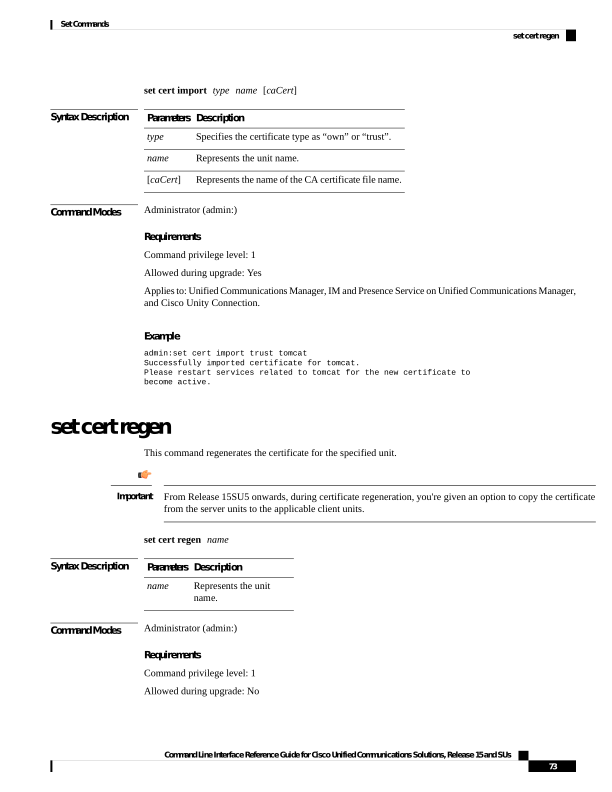
↗ View in doc contextset cert import type name [caCert] Syntax Description Description Parameters Specifies the certificate type as “own” or “trust”. type Represents the unit name. name Represents the name of the CA certificate file name. [caCert] Command Modes Administrator (admin:) Requirements Command privilege level: 1 Allowed during upgrade: Yes Applies to: Unified Communications Manager, IM and Presence Service on Unified Communications Manager, and Cisco Unity Connection. Example admin:set cert import trust tomcat Successfully imported certificate for tomcat. Please restart services related to tomcat for the new certificate to become active. set cert regen This command regenerates the certificate for the specified unit. From Release 15SU5 onwards, during certificate regeneration, you're given an option to copy the certificate from the server units to the applicable client units. Important set cert regen name Syntax Description Description Parameters Represents the unit name. name Command Modes Administrator (admin:) Requirements Command privilege level: 1 Allowed during upgrade: No Command Line Interface Reference Guide for Cisco Unified Communications Solutions, Release 15 and SUs 73 Set Commands set cert regen