McDewey
/mcpPage 107
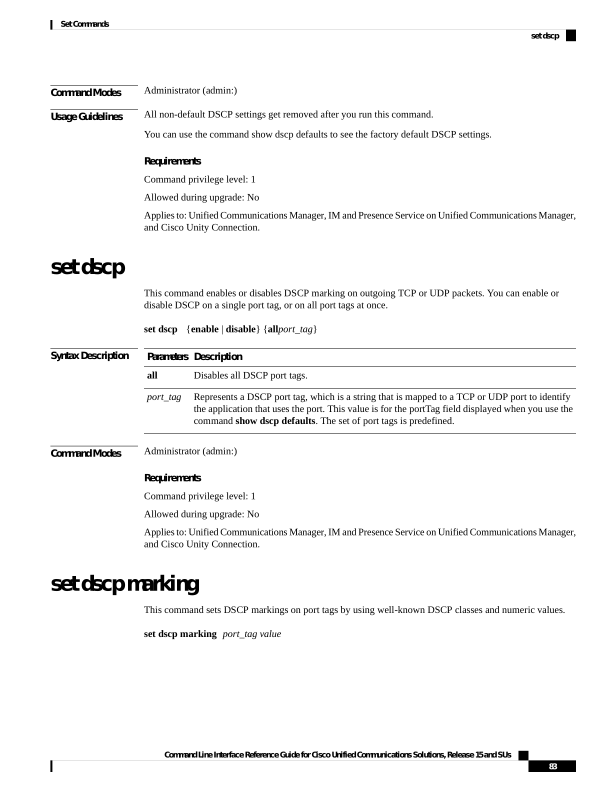
↗ View in doc contextCommand Modes Administrator (admin:) Usage Guidelines All non-default DSCP settings get removed after you run this command. You can use the command show dscp defaults to see the factory default DSCP settings. Requirements Command privilege level: 1 Allowed during upgrade: No Applies to: Unified Communications Manager, IM and Presence Service on Unified Communications Manager, and Cisco Unity Connection. set dscp This command enables or disables DSCP marking on outgoing TCP or UDP packets. You can enable or disable DSCP on a single port tag, or on all port tags at once. set dscp {enable | disable} {allport_tag} Syntax Description Description Parameters Disables all DSCP port tags. all Represents a DSCP port tag, which is a string that is mapped to a TCP or UDP port to identify the application that uses the port. This value is for the portTag field displayed when you use the command show dscp defaults. The set of port tags is predefined. port_tag Command Modes Administrator (admin:) Requirements Command privilege level: 1 Allowed during upgrade: No Applies to: Unified Communications Manager, IM and Presence Service on Unified Communications Manager, and Cisco Unity Connection. set dscp marking This command sets DSCP markings on port tags by using well-known DSCP classes and numeric values. set dscp marking port_tag value Command Line Interface Reference Guide for Cisco Unified Communications Solutions, Release 15 and SUs 83 Set Commands set dscp